
iPhone Screenshots


Description
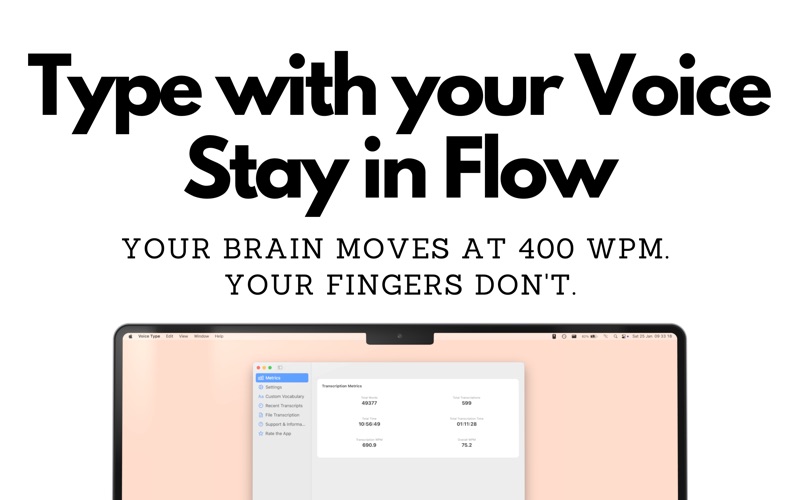
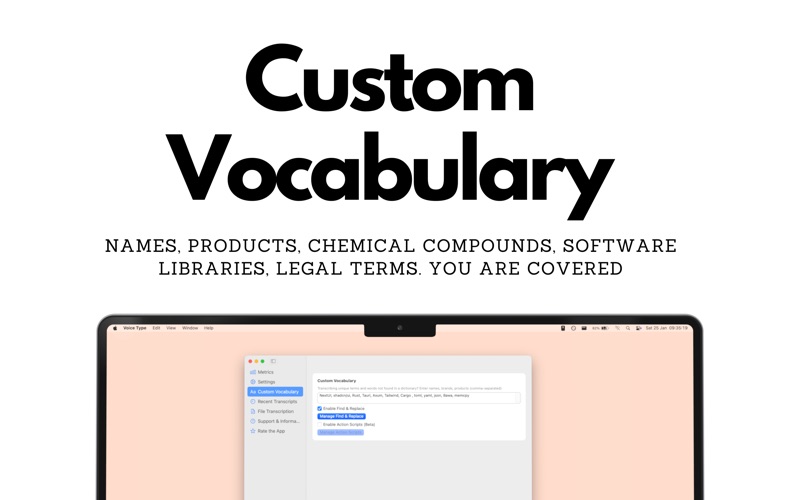
Voice Type Dictation turns speech into text offline, instant, and more accurate than Apple Dictation or legacy Dragon tools. It works anywhere you can type on macOS: Word, Google Docs, JIRA, Obsidian, Notion, EHRs any text field. No account. No cloud. Just on-device AI.
Now with advanced Noise filtering and voice detection. Support for external mics - AirPods, Focustite DACs etc.
### Key Benefits
• 100 % On-device privacy — your words never leave your Mac.
• Real-time speed — text appears as you speak.
• Whisper-quality accuracy — choose between Fast (27 MB), Balanced (140 MB), or Accurate (550 MB) models; even the largest runs smoothly on Macs made in the last three years.
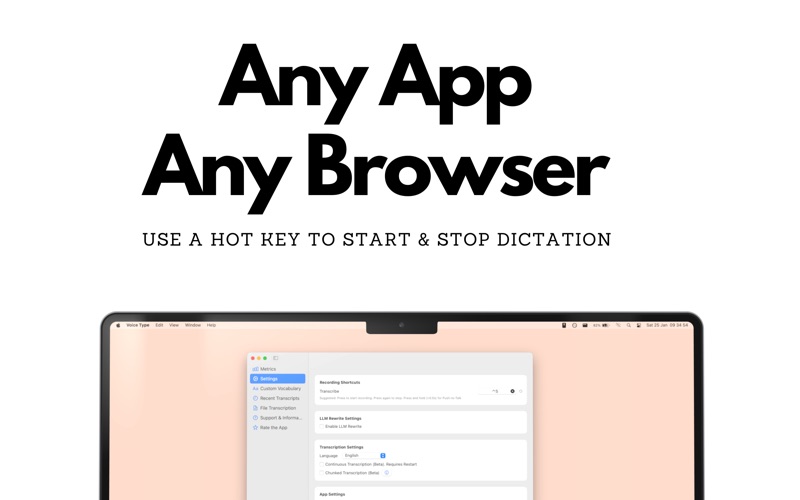
• One-hotkey workflow — press ⌃ V (customisable) and start talking.
• Supports 100 + languages — dictate multilingual documents and switch on the fly.
• RSI-friendly — reduce strain from carpal tunnel, arthritis, or repetitive strain injury.
• Any app, any field — perfect for meeting minutes in Zoom, lecture notes in Notion, code comments in Cursor, or long emails.
### Great For
Meeting notes • Lecture transcription • Brainstorming • Journaling • SOAP notes • Content writing • Coding comments • Writers with RSI
### How It Works
1 Click any text field.
2 Press your hotkey.
3 Speak clearly—your words appear instantly.
### Pricing
Try free with the Fast model. Unlock all features and models with a single **US $19.99 one-time purchase**—no subscription, no data harvesting.
### System Requirements
macOS 11.0 or later • 4 GB RAM (8 GB recommended for Accurate model) • 1 GB free disk space.
Thanks to the whisper.cpp community—Voice Type is powered by open-source tech but is not affiliated with Apple.
Stop fixing dictation errors—start writing at the speed of thought with Voice Type Dictation.