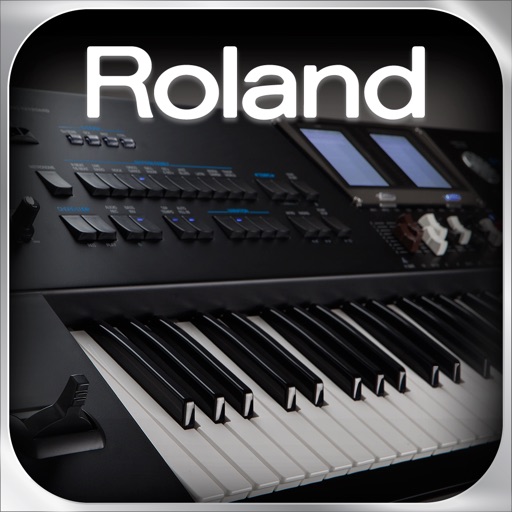
BK-9 Performance Editor
Control Roland BK-9 performance parameters directly.
Roland Corporation
Description
The app provides iPad control over Roland BK-9 real-time performance parameters. Users can edit tones, mix parts, and adjust effects through the iPad's touchscreen.
Use the Apple iPad to display and edit the real-time performance parameters of your Roland BK-9 Backing Keyboard.
With the BK-9 Performance Editor, you can use your iPad to directly access the BK-9’s real-time performance parameters as you play the keyboard. Via the iPad’s graphic display and large touchscreen, you have quick and convenient control of a wide selection of parameters, including tone editing, part mixing, effects, and much more. Designed for use alongside the keyboard’s own dual display system and extensive onboard controls, the BK-9 Performance Editor gives you a powerful tool for enhancing your BK-9 experience while performing, practicing, and composing.
Communication between the BK-9 and iPad requires either of the following:
- Apple iPad Camera Connection Kit (made by Apple Inc.) and a standard USB cable (Type-A male to Type-B male, readily available at retailers that sell computer accessories)
- Roland WNA1100-RL Wireless USB Adapter (connected to the BK-9) and a wireless LAN access point with an Internet connection.
- BK-9 Version 1.06 or later (available as a free download from the Roland website) is required in order to use this app with the BK-9.