
Gizilogger - Voice Recorder
Record, organize, and playback meetings.
Yoshihiro Shimoyama
iPhone Screenshots


Description
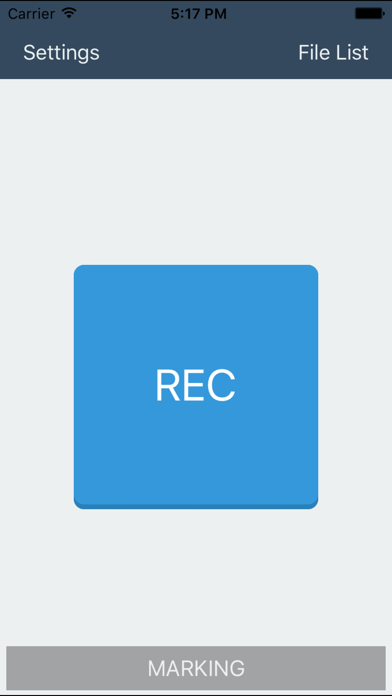
The app records conferences and meetings with adjustable volume levels and background recording. Users can sort files by date, title, location, or color, and add details like title, location, attendees, and memos.
"Gizilogger" is the ideal app for recording and playing back conferences or meetings.
-Recording
Any position on the recording screen can be marked.
The recording volume level can be increased. (Mic Boost:OFF/+10dB/+15dB/+20dB)
Background recording.
(*)It is necessary to have you set to start recording before recording volume level.
-File List
Files can be sorted by Recording Date or Title or Location or Color label.
-File Details
You can record Title and Location and Attendee and Memo in the file.
-Playback
Playback speed can be changed. (0.5x, Normal, 1.5x, 2.0x)
Any position on the playback screen can be marked.
Playback can be cued by tapping a Marking Label on the playback screen.
Tab the [Back 15s] button, you can rewind for 15 seconds.
Press and hold the [FF] button, you can fast-forward.
-Settings
Audio File Format:AAC/Apple Lossless/WAV
Sampling Rate:8kHz/22.05kHz/44.1kHz
Mic Boost:OFF/+10dB/+15dB/+20dB
-About feature restriction-
When the app is first installed, a feature restriction limits recording to a maximum of one file. To remove this restriction, tap [Settings] > [Add-on] > [Feature restriction removal], and purchase the add-on.