
iPhone Screenshots



Description
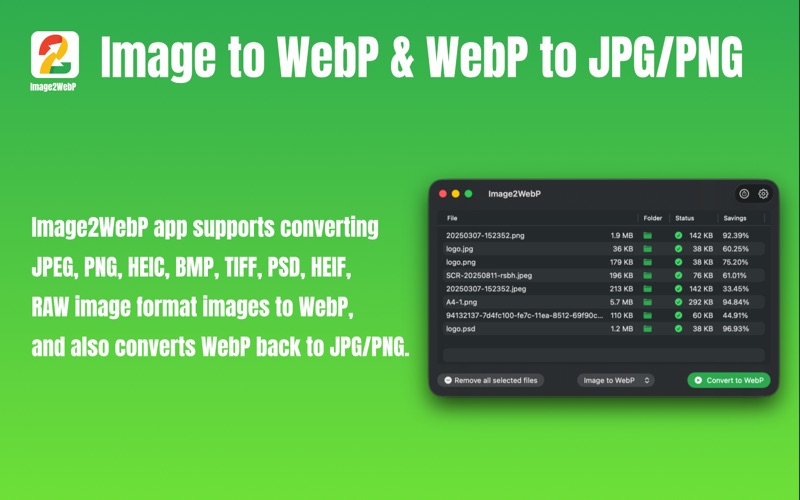
Use Image2WebP to quickly and securely convert images to WebP or AVIF. The app supports converting JPG, PNG, HEIC, BMP, TIFF, HEIF, PSD, and RAW images to WebP or AVIF, reducing file size while preserving quality. Enjoy full privacy and security—Image2WebP runs entirely offline on your device. Batch processing lets you efficiently convert hundreds of images at once. You can also convert WebP images to JPG/PNG, as well as convert AVIF images to JPG/PNG.
## Key Features
1. Runs locally for fast conversion and complete privacy protection
2. Convert JPG/PNG/GIF/HEIC/BMP/TIFF/HEIF/PSD/RAW images to WebP
3. Convert WebP images to JPG/PNG
4. Convert JPG/PNG/HEIC/BMP/TIFF/HEIF/PSD/RAW images to AVIF
5. Convert AVIF images to JPG/PNG
6. Adjustable quality settings for conversion
7. Drag-and-drop or select images/folders to batch-convert hundreds of files with ease
8. Save converted images to their original directory
9. Option to delete the original files after conversion
## What is WebP?
WebP is a modern image format that offers both lossy and lossless compression, outperforming JPEG and PNG in efficiency. WebP lossless images are about 26% smaller than PNG, and lossy WebP images are 25–34% smaller than JPEG at similar quality. Using WebP reduces bandwidth usage and improves page load speed, enhancing your website’s user experience.
## What is AVIF?
AVIF is a next-generation image format based on AV1 video coding technology, supporting both lossy and lossless compression. It delivers superior compression efficiency and image quality compared to WebP and JPEG. AVIF images often achieve over 50% smaller file sizes than JPEG while maintaining excellent visual fidelity—and are typically smaller than WebP as well. AVIF significantly lowers bandwidth usage and speeds up page loading, offering a faster and sharper visual experience for your website.