
iPhone Screenshots



Description
And navigate photos in a directory with left/right arrow shortcuts. Open folders quickly. Rotate photos without automatic saving; confirm save via dialog. Adjust navigation with command + arrow keys.
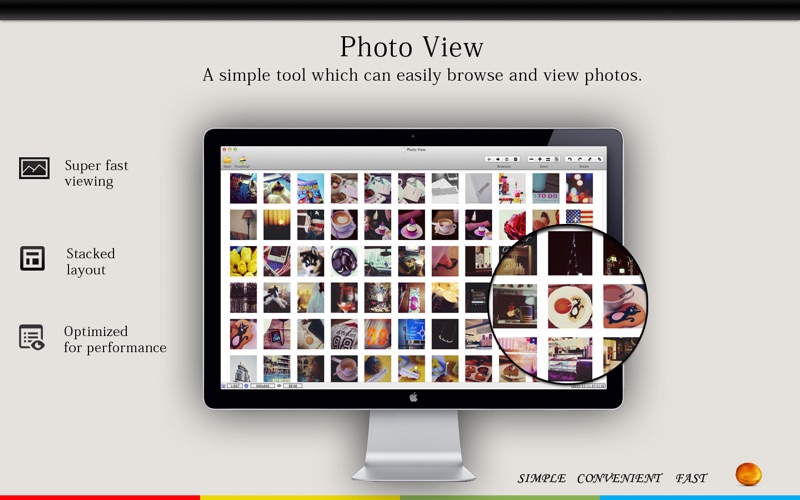
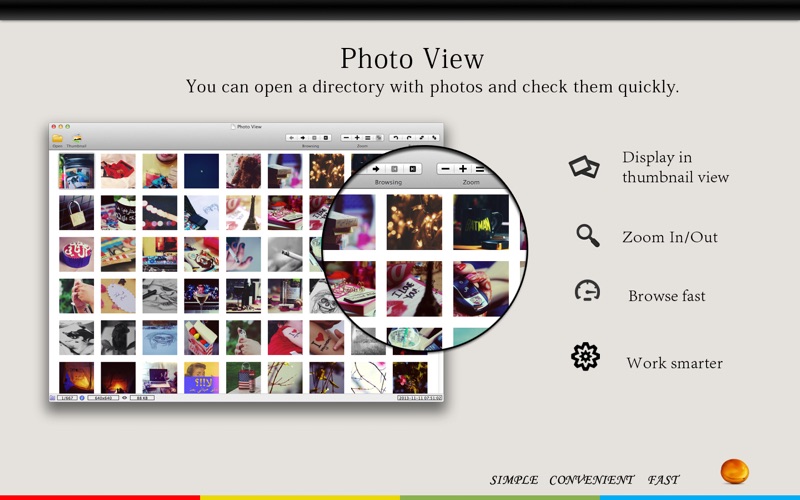
Photo View makes it fast and easy to browse your photos.
Open any folder and quickly preview all images inside. Double-click any photo to view it in full size. You can also batch delete, move, and copy photos with ease. Photo View keeps a history of recently visited folders, making it easy to jump back to your favorite photo directories anytime.
Keyboard Shortcuts
• Left Arrow — Previous Image
• Right Arrow — Next Image
• Command + Left Arrow — First Image
• Command + Right Arrow — Last Image
Bug Reports & Feature Requests
If you have any questions, suggestions, or problems, please contact us at [email protected].
We are constantly working to improve Photo View and will continue fixing bugs and adding new features as quickly as possible.