
Air Tracker, Device Finder Pro
Find Bluetooth devices nearby
Tabor Cuevas
iPhone Screenshots



Description
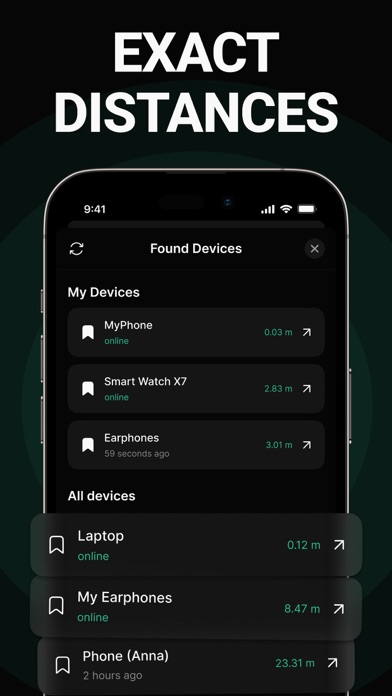
Find nearby Bluetooth devices by scanning. Tap to select a . Move around to improve detection accuracy. Locate devices within range.
Discover Bluetooth devices in seconds!
How to Use:
- Open "Find My Bluetooth Device".
- If your lost device is powered on and within range, it will appear in the list. Tap on it.
- Move around slowly to increase the displayed "Distance Score".
- Your device should be nearby.
Terms of Use: https://docs.google.com/document/d/1zhu50TBkateW4OC1OAtnRz9UqLsEn10ckxH0yYm46LU/edit
Privacy Policy: https://docs.google.com/document/d/1adGCv7bYKaQrfFxV4ApUvMopWuGNAwzV8TJu7KEiv5M/edit
Subscription:
- Prices may vary by country, and charges may be converted to your local currency based on your location.
- Payment will be charged to your iTunes Account upon confirmation of purchase.
- Subscriptions will automatically renew unless auto-renewal is turned off at least 24 hours before the end of the current period.
- Your account will be charged for renewal within 24 hours prior to the end of the current period, with the cost of renewal specified.
- You can manage your subscriptions and turn off auto-renewal by accessing your iTunes Account Settings.