
iPhone Screenshots



Description
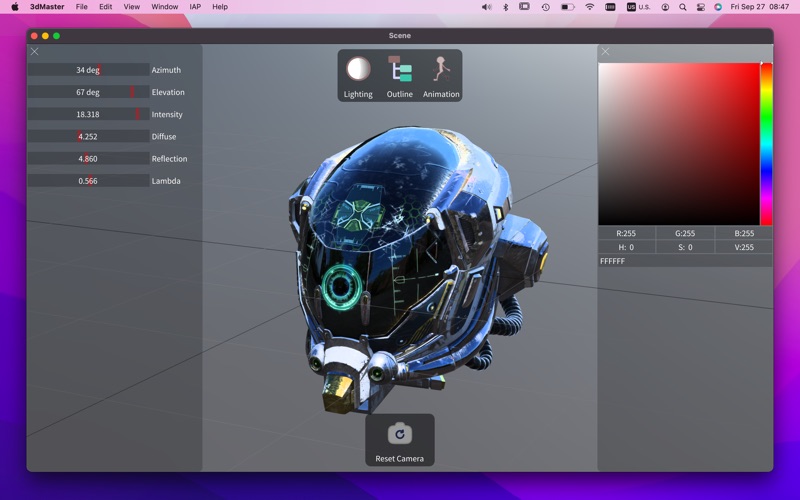
The 3dMaster is a 3D content viewer that supports 25+ 3d formats.It is built using a modern render pipeline and is based on the PBR (Physics-Based Rendering) material system, uses OIT (Order-independent transparency) technology to optimize the sorting of transparent objects, and fully supports the skeletal animation system. after opening the main scene, you can import animations individually and switch between them at will.(If the main scene contains some skeleton skinned meshes).
You can use 3dMaster to do the following:
1. Preview 3D content
2. Check character skinning and animation
3. Convert 3D content to glb format
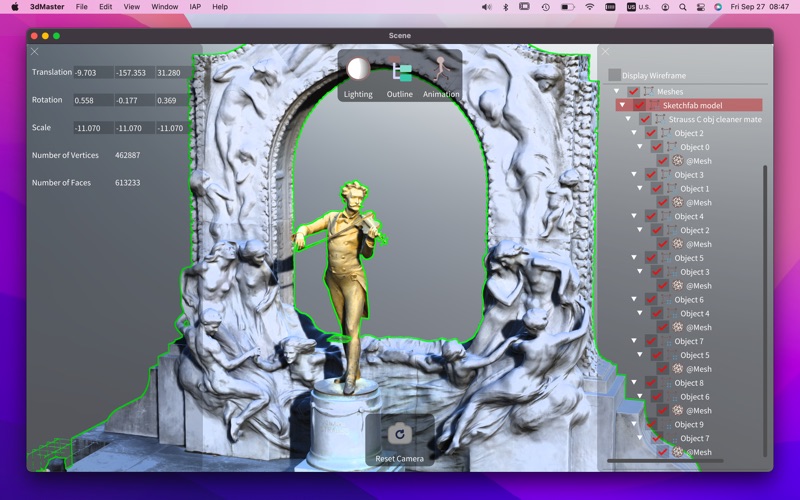
4. Edit the rotation, position, and scale of objects in 3D content
The supported 3d content formats for import include:
• obj
• fbx
• gltf
• glb
• stl
• collada(dae)
• ply
• blend
• 3ds
• lwo
• lws
• m3d
• md2
• md3
• mdl
• x3d
• x
• bvh
• ac
• b3d
• opengex(ogex)
• ase
• irr
• irrmesh
• dxf
• xgl
• usd
• usda
• usdc
• usdz
The supported 3d content formats for export include:
• glb
The supported texture formats include:
• ktx
• pvr
• dds
• jpeg
• png
• tga
• pcx
• psd
• gif
• bmp
• ppm
• pgm
• hdr
Camera Operations:
Left-dragging:pan the camera.
Right-dragging:rotate the camera around look at point.
Scroll:zoom the camera in or out.