
iPhone Screenshots
Description
~ MP3 / MP4Audio music player for visual enjoyment ! ~
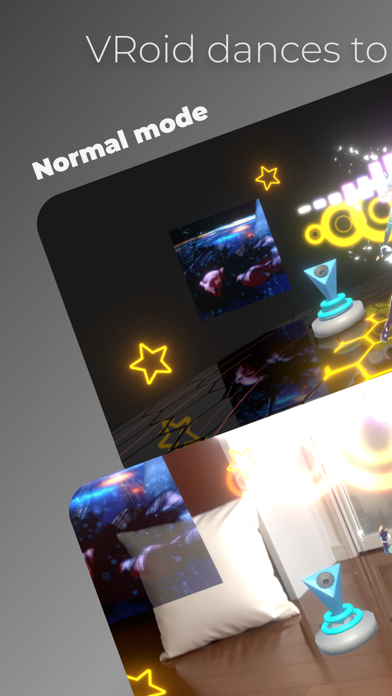
* Auto beat detection and VRoid dancing to the beat !
* Stylish audio visualizer !
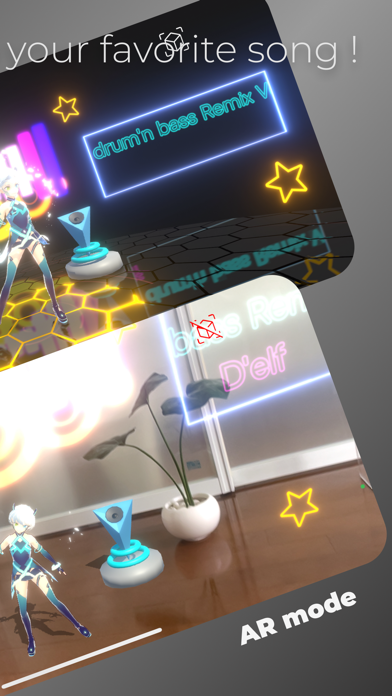
* New music experience with AR display !
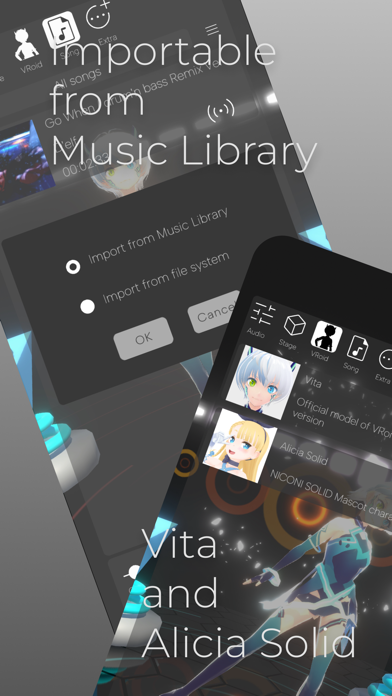
* Ability to import songs from music library !
----- Music player functions -----
* Volume control, mute
* High and low equalizer
* Reverb setting
* Shuffle playback, repeat playback
----- Caution -----
* Available VRoid characters are Vita and Alicia Solid.
* Not all songs can be detected at the correct tempo (in some cases, such as when the tempo changes during a song, it may not be detected correctly).
* Music files with mp3 and m4a file extensions can be played, but DRM (copyright protection mechanism) files are not supported.
* I have confirmed that it can play music files downloaded from Apple Music.
* The size of songs that can be played depends on the amount of memory available. It has been confirmed that 10-minute songs can be played stably on iPhone 13 mini (released in 2021), iPhone XR (released in 2018), and iPad Pro 9.7 inch (released in 2016).
----- License Agreement, etc. -----
* The license agreement is subject to Apple's Standard License Agreement (https://www.apple.com/legal/internet-services/itunes/dev/stdeula/).
* This app does not use an external server. This app do not collect any information. Therefore, I would be happy to receive your review.
----- Operation -----
# About the operation panel
* Tap the screen, and the operation panel will appear.
* The control panel will disappear after a while. If you want it to disappear immediately, tap with two fingers.
* If you do not want to erase the control panel, press the "thumbtack" icon in the upper right corner of the panel.
# How to import a song file
1. display the control panel and click the Song icon
2. Click on the menu icon (3-line icon)
3. A pop-up menu will appear. Click on the Import song menu item.
4. A dialog box appears. Select one of the following options and press the OK button.
[Import from Music Library] / [Import from file system]
# AR Mode
* Use the button in the upper right corner of the screen to toggle AR mode on and off.
* When approaching a character, set AR Tracking to [Always on].
* If you are using a fixed device with AR display, it is recommended to set AR Tracking to [On only when detecting a place].
* To change AR Tracking settings, open the control panel and tap the Stage icon.