
iPhone Screenshots


Description
QR Print makes it easy to print at participating libraries.
First, create a print job from your mobile phone or computer.
Then, tap the sticker on any library printer.
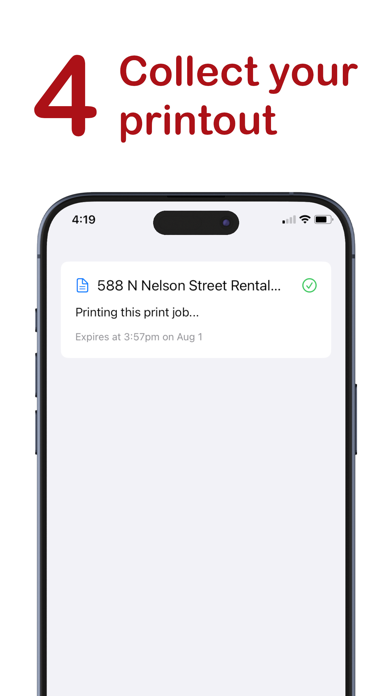
Choose your print options and tap the submit button to print.
That's it. Your document will begin printing in a few seconds.