
Text to Voice: Text Reader
Listen to with voice playback
Luiz Santos
iPhone Screenshots
Description
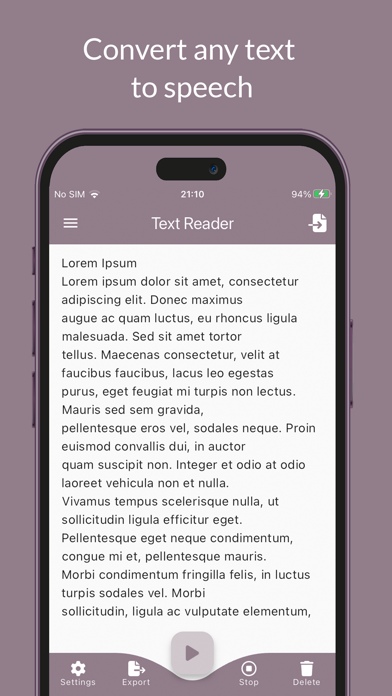
Convert to speech using device default language with multiple voices. Adjust reading speed and pitch. Listen to excerpts from books, study materials, or religious texts. Share converted audio files.
Using the Text Reader application, you can instantly convert any text into speech in a simple and fast way. Therefore, you can listen to an excerpt from a book, a study booklet or a verse from the Bible on the way to work, while taking a walk or preparing for a test.
The Text Reader application uses innovative algorithms and features to provide you with the following functionalities:
- Reading text in the device's default language, providing multiple voices.
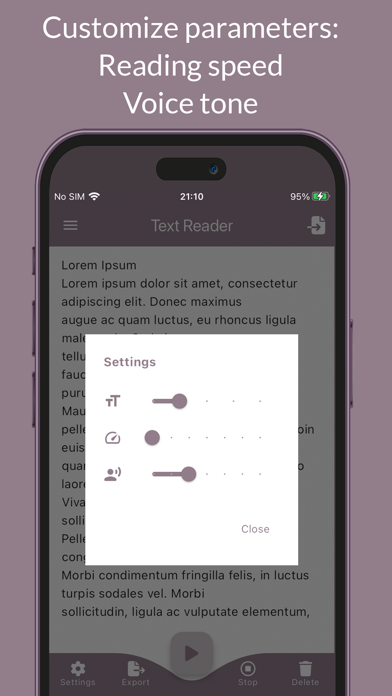
- Parameters such as text reading speed and narration tone of voice can be modified.
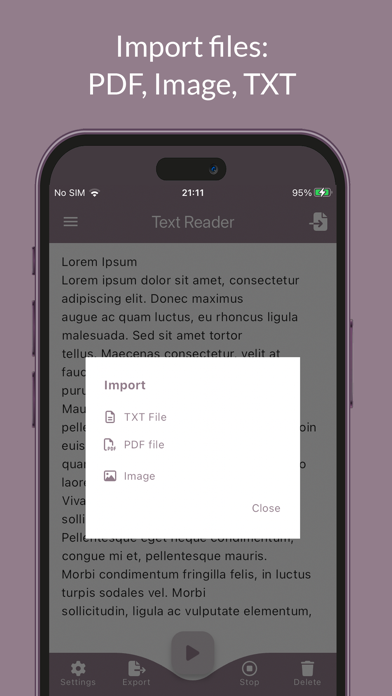
- Text recognition in PDF, TXT and image files (PNG, JPG, etc.).
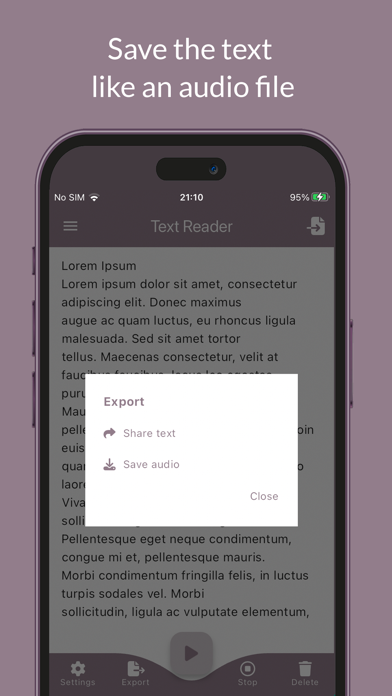
- Export the text in WAV audio to be shared or listened to at a later time
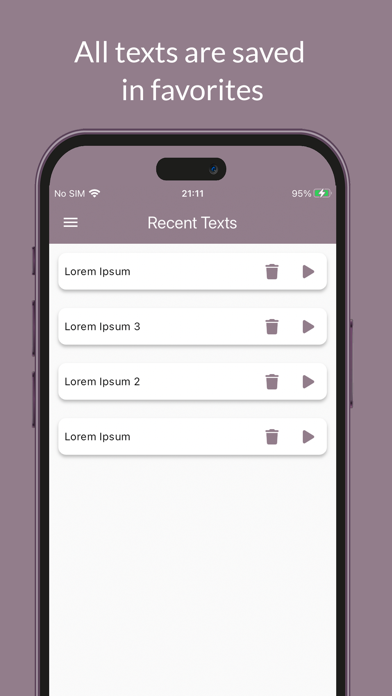
- The text read is saved in a list, which serves as a reading history.
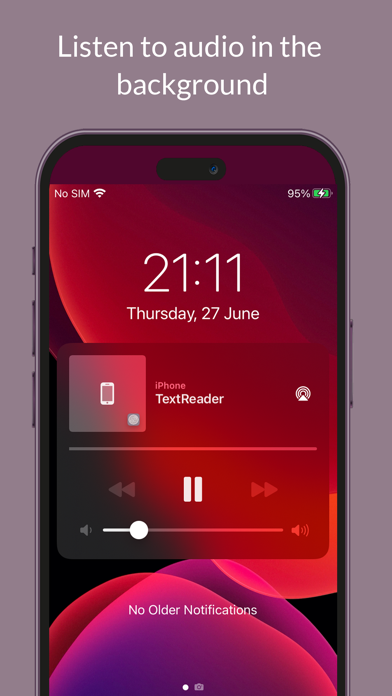
- You can minimize the app while listening to the reading. A player is available so you can control the audio while the app is minimized.
- Pause or resume content using wired or Bluetooth headset buttons.
- The application works without the need for an Internet connection!
We hope this application helps you and improves your productivity.
Have a good time!