
iPhone Screenshots


Description
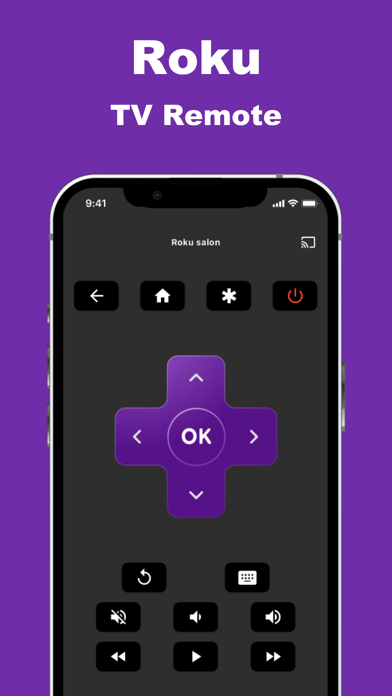
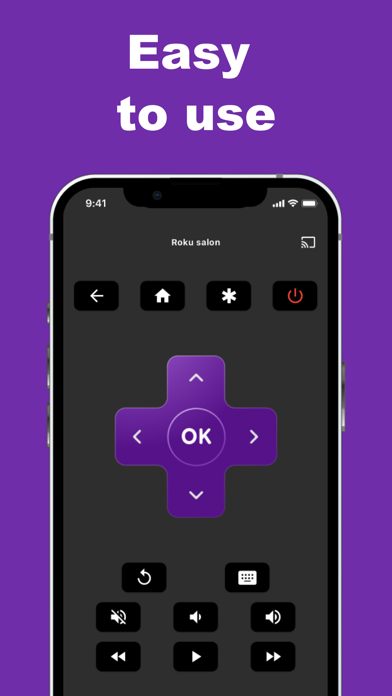
Control Roku TV remotely by accessing menus and apps like Netflix, Amazon, and Spotify. Change channels, adjust volume, and use the keyboard for searches. Navigate the interface quickly without a physical .
Your Roku remote control has run out of battery? Or perhaps your remote is damaged or lost again?
Say goodbye to your worries!
With the « Remote for Roku » app, you can manage your Roku TV effortlessly.
Key features of the « Remote for Roku » app:
● Access the menus of your Roku TV
● Access apps: Netflix, Amazon, Disney, Apple Music, Spotify etc.
● Easily change channels and navigate quickly.
● Adjust the volume of your Roku Smart TV.
● Use the keyboard for search etc.
Additional details:
• Developed with a strong focus on quality and user-friendliness.
• Requires no complex setup process.
• Works seamlessly with your home Wi-Fi network.
Compatible with all Roku TVs: TCL, CHiQ, JVC, Sharp and many more and all Roku devices, including Express, Express 4K+, Streaming Stick 4K, and Ultra.
Disclaimer:
This app is not an official Roku application or any other trademark. We are not affiliated with Roku inc. in any way. However, it has been meticulously crafted to provide you with an exceptional remote control experience for your Roku TV. Our aim is to simplify how you interact with your Roku device using your iPhone.
Terms of use :
https://www.apple.com/legal/internet-services/itunes/dev/stdeula/