
Tally Counter Click!
Count clicks, save sessions, track counts
Aleksei Khaliapin
iPhone Screenshots
Description
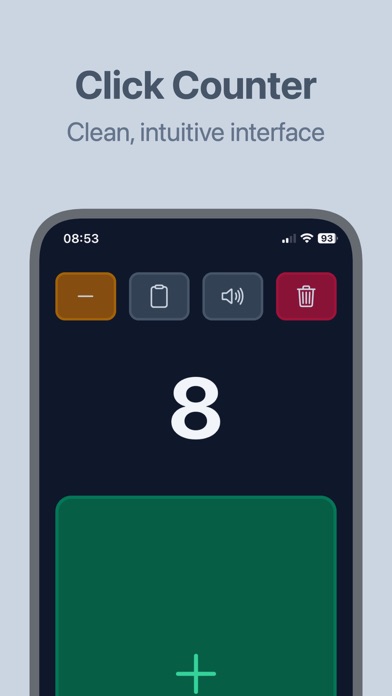
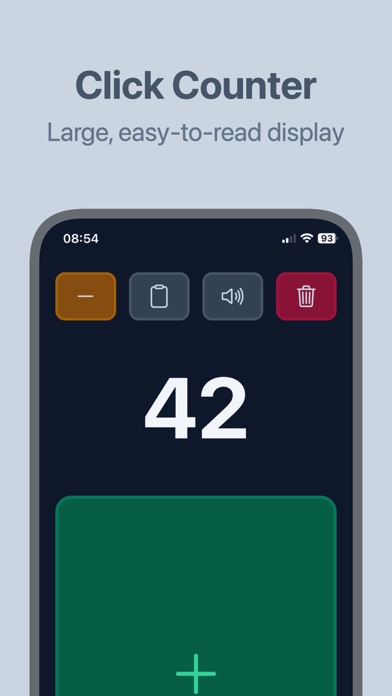
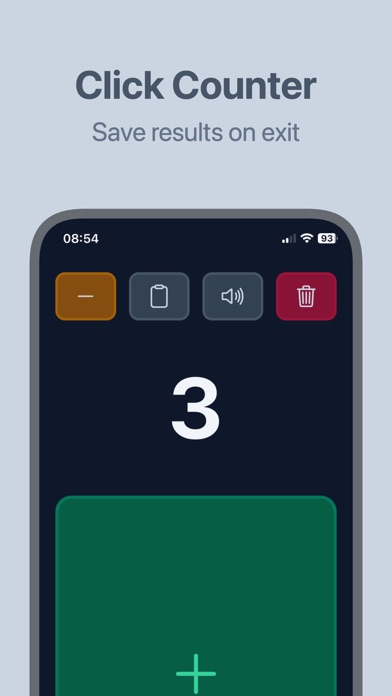
Click allows users to count with an unlimited session limit and a large display. It offers haptic feedback, auto save, and one-tap reset. Users can adjust counts precisely and use it for attendance tracking, sports stats, stock counting, and more.
Click Counter: simple tally counter.
With Click Counter app, you can turn your iPhone into a professional counting tool: the most reliable, easy to use tally counter app.
KEY FEATURES:
• Unlimited counting sessions
• Large clear display
• Fast and responsive
• Haptic feedback control
• Auto Save
• Precise Count adjustments
• 1 tap reset button
• No distractions
• Reliable performance
PROFESSIONAL USAGE:
• Attendance for Teachers
• Sports Statistic for Coach
• Stock count for Warehouse
• Counting attendance at Events
• Quality Control inspectors
• Wildlife researchers
• Traffic surveys
• Counting repetitions for Fitness
WHY CLICK COUNTER:
• Extremely easy to use
• No learning curve
• Does not drain the battery
• It works offline
• Accurate counting, every time
• Professional grade reliability
• Does not display any Ads
• No unnecessary features
DESIGNED FOR REAL WORLD USAGE:
Be confident in your counting. Whether you're counting stock in a busy warehouse, attendance at a major event or counting wildlife in the field, Click Counter app always delivers the consistent and reliable performance you need.
PROFESSIONAL GRADE ACCURACY:
Never lose count again. With our auto save feature you can be sure that count is always preserved. And if you need to decrease count - just tap the decrease button and continue without starting over.
GET STARTED NOW:
Download Click Counter app today and experience most straightforward and reliable counting solution. For both professional and personal use.