
HEIC JPG PNG Image Converter
Convert images to any format instantly
Kofi Austin
iPhone Screenshots
Description
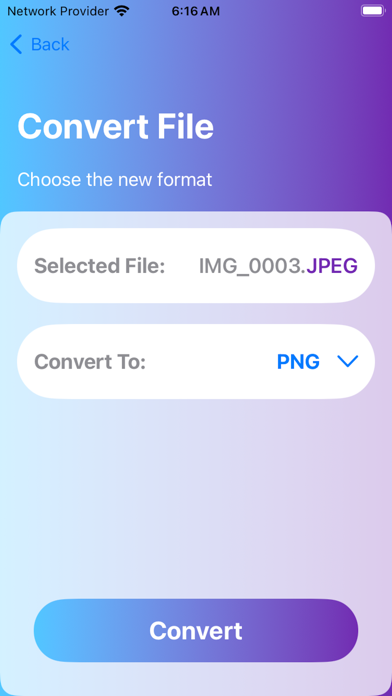
Convert files to various formats like PNG, JPEG, GIF, , BMP, and WEBP. Select an , choose the output format, and convert it directly. Save the file and open it within the or share it externally. Supports additional formats in the future.
Can't open your image file? Easily convert your photos to almost any format.
Directly from your the comfort of your phone, convert your images!
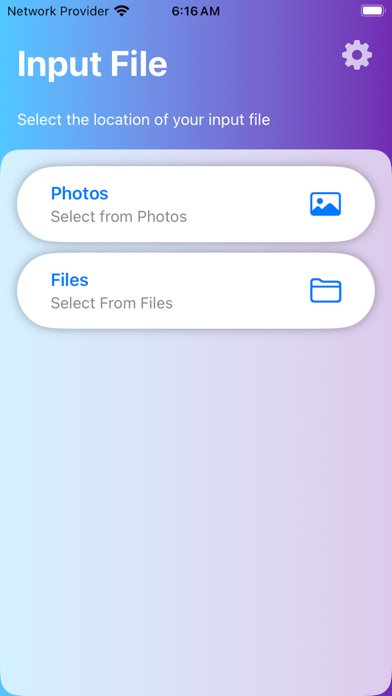
1. Select your image
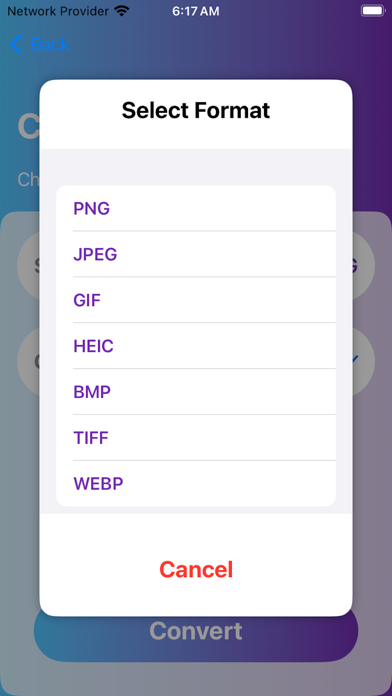
2. Choose your output format (PNG, JPG, GIF, HEIC etc.)
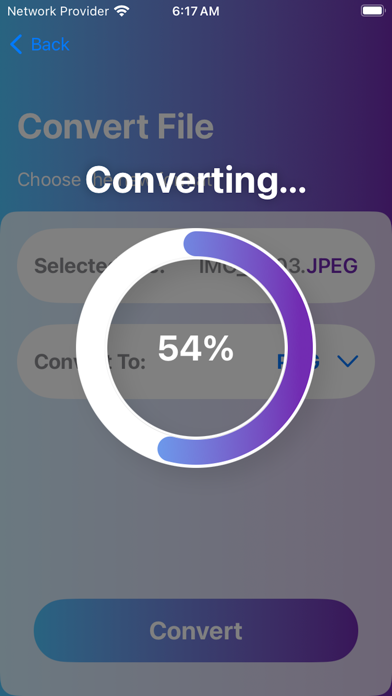
3. Press the convert button. It won't take long.
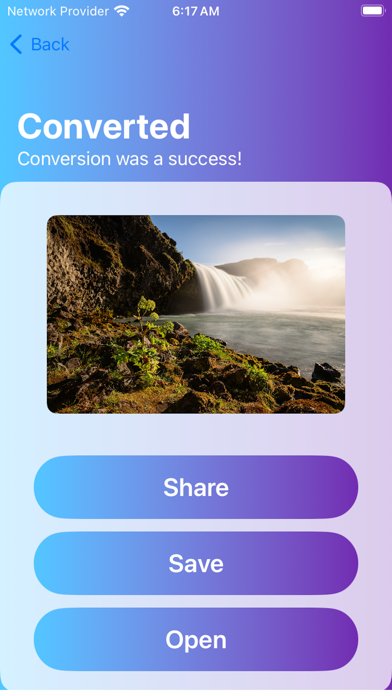
4. Save your file, open within the app to view or share it outside of the app.
Here are the supported formats with more to come soon:
PNG, JPEG, JPG, GIF, HEIC, BMP, WEBP, TIFF and many more coming soon.
Add images from your photos or from your files!
Conversions don't take long! Lightning fast and reliably done on device.