
iPhone Screenshots

Description
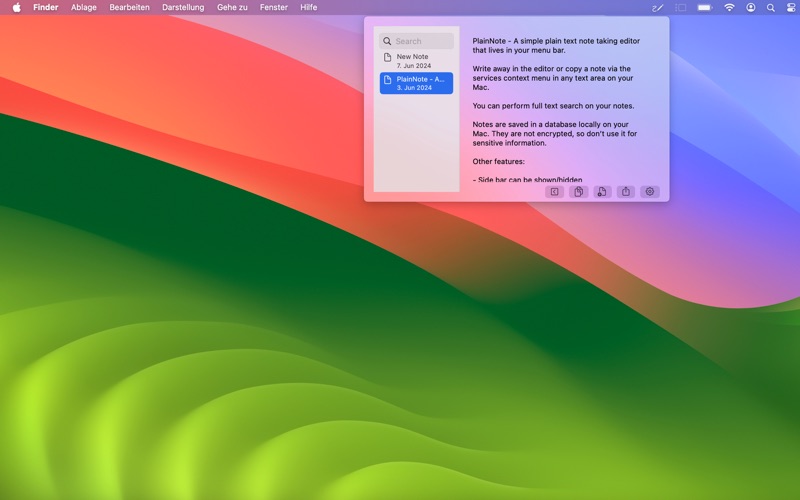
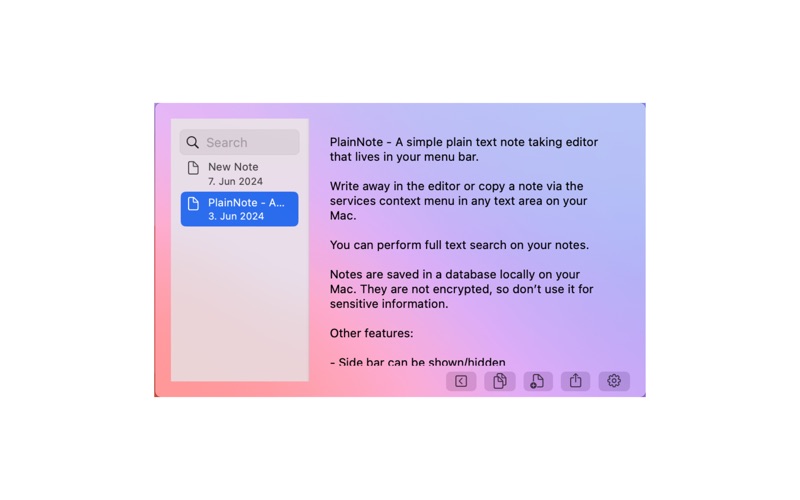
PlainNote - A simple to use plain text note taking editor that lives in your menu bar.
Write away in the editor or copy a note via the services context menu in any supported text area on your Mac.
You can perform full text search on your notes.
Notes are saved in a database locally on your Mac. They are not encrypted, so don’t use it for sensitive information.
Other features:
- Side bar can be shown/hidden
- Swipe actions on side bar list items for copy or delete
- Quickly copy the whole note via button or by pressing Shift + Cmd + C
- Share Button
- New note via button or by pressing Cmd + N
- Setting: set the font size, start PlainNote at login or terminate app