
eNES: NES & SNES Retro Emu
Play NES games and save progress automatically
Mattia La Spina
iPhone Screenshots


Description
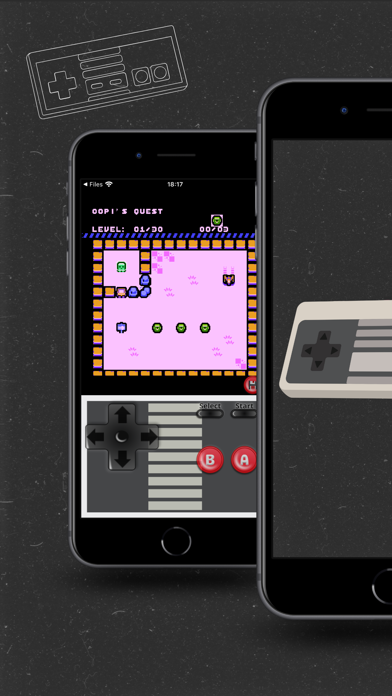
Play NES games with a lightweight . Save progress automatically and load the last save instantly. Use haptic vibration for feedback. Connect external controllers for enhanced gameplay.
eNES plays NES and SNES games from your own files, all in one app. Import, tap, play.
Features:
• NES and SNES in a single app
• Your own library: import .nes, .sfc and .smc files, or open them straight from Files
• Save states, autosave and auto-load of your last save: pick up right where you left off
• On-screen controls you can customize: opacity, size and skin
• Turbo A/B buttons (PRO)
• Scanline filters, CRT filters and color palettes (PRO)
• Haptic feedback
• External controllers, including pads iOS doesn't treat as standard. Touch buttons hide while one is connected (you can turn this off)
• TAS tools: record and replay your inputs, frame by frame
• Play on Apple Watch (NES)
• Reset from inside the game
• Manage or cancel your subscription from Settings; PRO keeps working offline
• Available in 33 languages
Free with ads. The optional PRO upgrade removes them and unlocks extra features.
eNES is an independent app, not affiliated with any hardware maker. No games are included; use your own files.
Terms: https://mattials.com/terms/
Privacy Policy: https://mattials.com/privacy/