
eNES: NES Emulator Retro Emu
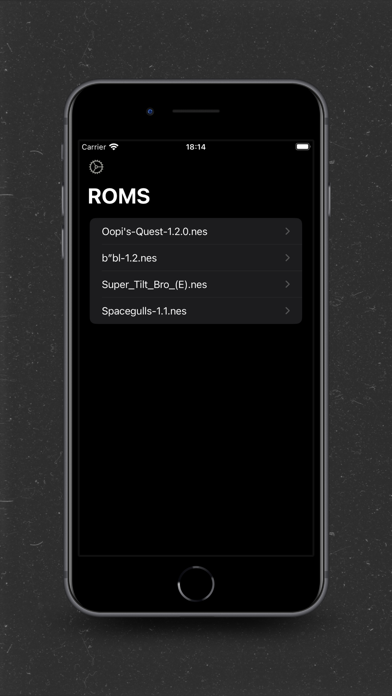
Play NES games and save progress automatically
Mattia La Spina
iPhone Screenshots
iPad Screenshots
Description
Play NES games with a lightweight . Save progress automatically and load the last save instantly. Use haptic vibration for feedback. Connect external controllers for enhanced gameplay.
Experience the nostalgia of classic NES gaming with eNES, the lightweight retro emulator for iOS. Weighing less than 5MB, eNES packs a punch with its optimized performance and feature-rich interface.
Key Features:
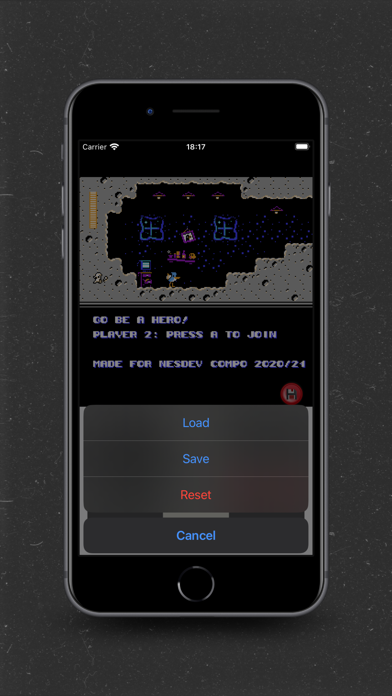
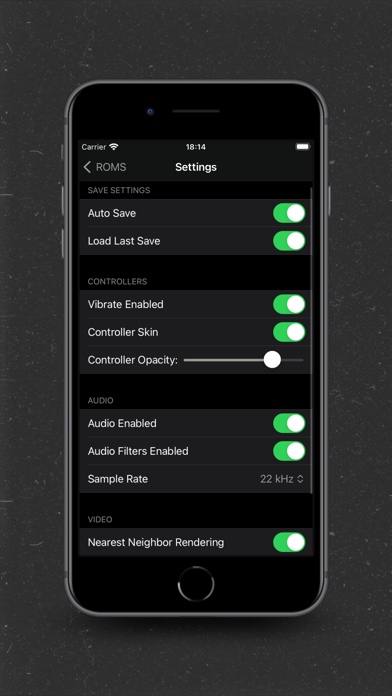
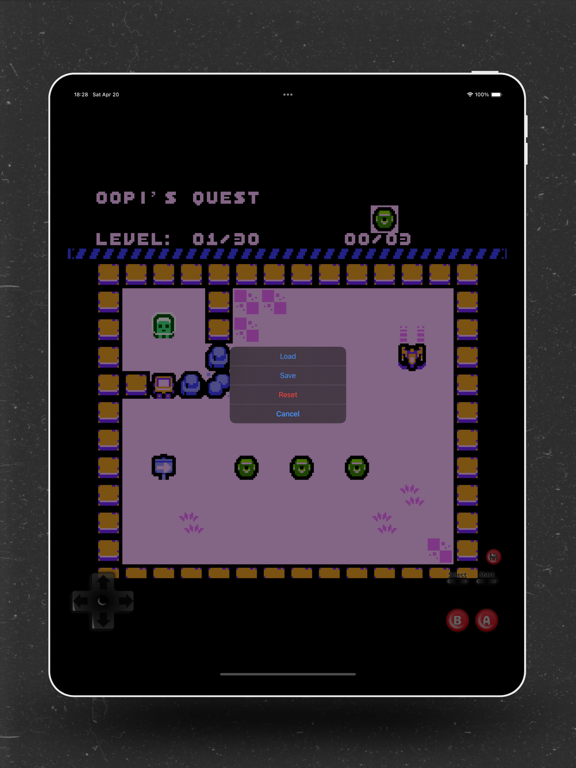
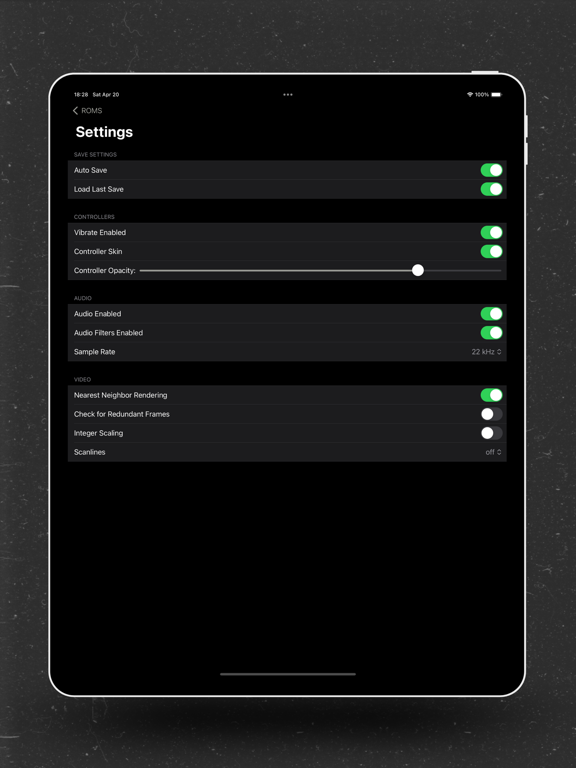
-Automatic saving: Never lose your progress with automatic saving.
-Auto-load last save: Pick up right where you left off with auto-loading of the last save.
-Haptic vibration: Enhance your gaming experience with touch vibration feedback.
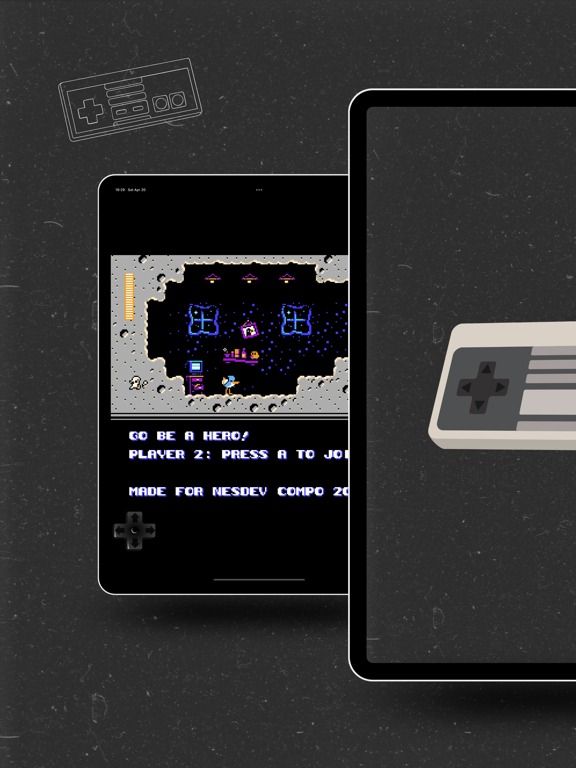
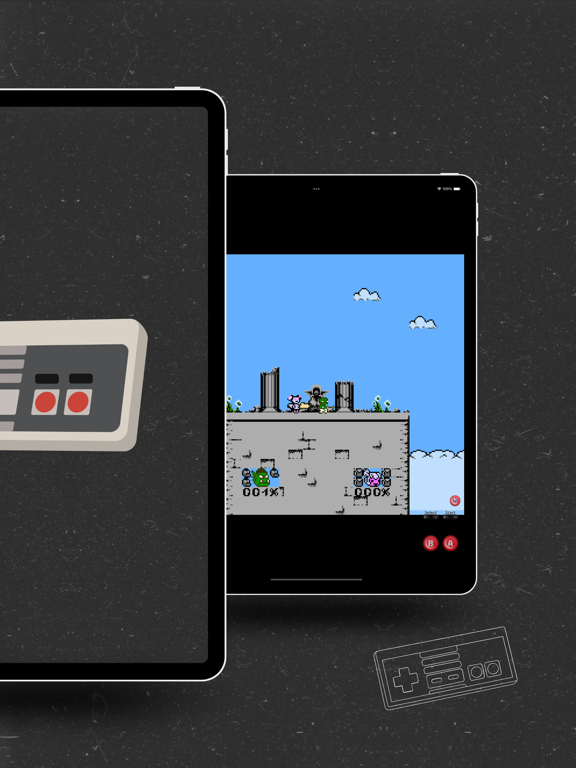
-2 External controller compatibility: Seamlessly connect external controllers for enhanced gameplay.
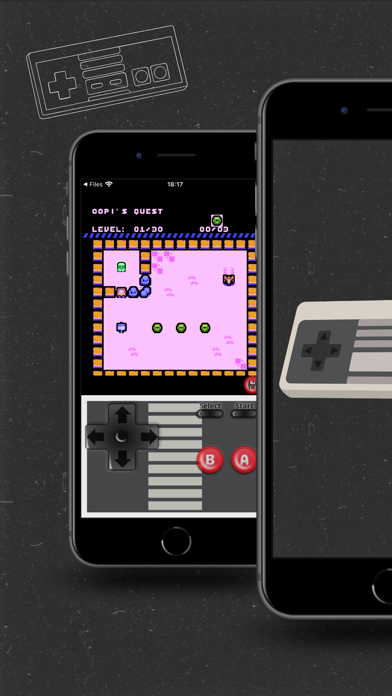
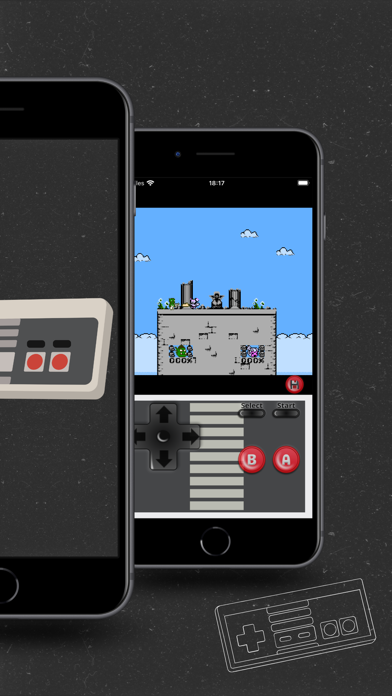
-On-screen controller skin: Customize the on-screen controller's opacity and visibility to suit your preferences.
-Audio filtering and sampling selection: Fine-tune your audio experience with filtering and sampling options.
-Scanline visualization: Immerse yourself in the retro aesthetic with scanline visualization.
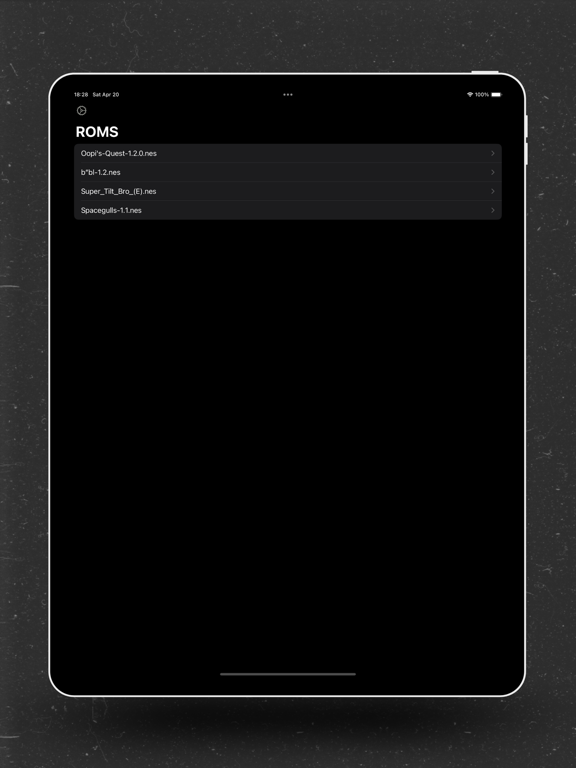
-Automatic .nes file opening and importing: Effortlessly open and import .nes files for quick gaming sessions.
-Battery optimization: Enjoy extended gameplay sessions with minimal battery consumption.
Rediscover the joy of classic NES gaming on your iOS device with eNES. Download now and relive the golden age of gaming!
Terms & Condition https://gist.githubusercontent.com/mattiaa95/a9624bdaa9742350da2f60ab2957823c/raw/4968b429a06fda4917e2c3903c8e415d5a12d12a/Term&Condition.md
Privacy Policy https://gist.githubusercontent.com/mattiaa95/43f479d4da16a7bb4aaf5504874b01bb/raw/d25d0afa3cf5a33d08e396fbadae1e9f04651b53/GeneralPrivacyPolicy.md
App information from Apple App Store. eNES: NES Emulator Retro Emu and related trademarks belong to Mattia La Spina.