
iPhone Screenshots


Description
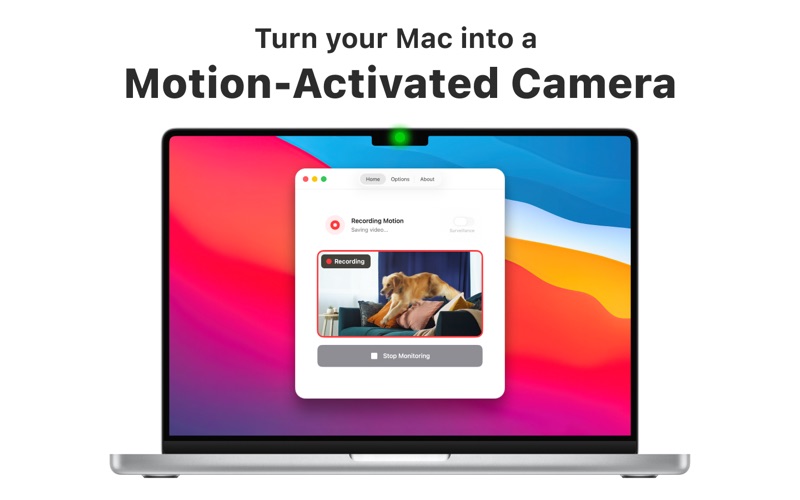
Turn any Mac running macOS 13 or later into a motion-activated camera that records at the highest resolution your webcam supports (up to 4K). Everything happens on-device with no internet and no account.
Two Smart Modes:
• Monitor Mode – start monitoring instantly with one click.
• Surveillance Mode – arms itself when you lock the screen (even in sleep) and stops when you return, saving power.
Set & Forget Automation:
• Launch at Login for 24 / 7 protection.
• Camera fallback: if your primary lens disconnects, SP Cam switches to the next available webcam without missing a frame.
• Fine-tune motion sensitivity (0–4), recording length (10 s – 1 min) and cool-down.
Store Footage Your Way:
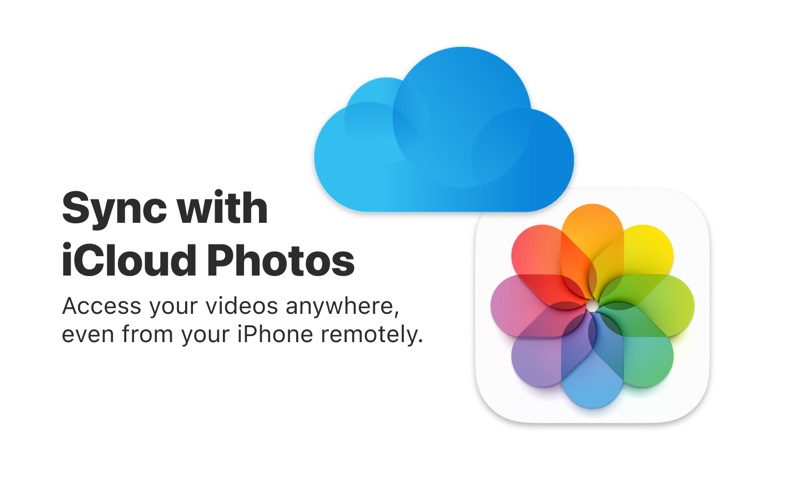
• Save directly to Photos in a dedicated “SP Cam” album. Apple syncs videos to all devices via iCloud Photos.
• Or pick any local folder for external drives or NAS workflows.
Privacy & Battery First:
• Runs entirely offline; no data leaves your Mac unless you choose iCloud Photos.
• Lightweight algorithm minimises CPU load and battery drain.
Built for macOS:
• Native Apple Silicon and Intel support.
• Menu-bar control, optional Dock icon, multi-language UI.
• Works with the built-in FaceTime camera, Continuity Camera (use your iPhone), or any USB/IP webcam.
Popular Uses:
Home or dorm security, office after-hours monitoring, pet or baby watch, evidence collection, maker time-lapses & any time you need silent, automatic video proof.
Purchase Options:
Monthly, Yearly, or one-time Lifetime licence. Unsure? Request a refund through Apple within 14 days.
Legal & Ethics:
Record only where lawful and with proper consent. SP Cam is intended for legitimate monitoring; the developer accepts no liability for misuse.
System Requirements:
• macOS 13.0 Ventura or later
• At least one connected camera
Terms of Use (EULA): https://www.apple.com/legal/internet-services/itunes/dev/stdeula/