
Activity Coins and Bills CAD
Learn to pay exact item prices.
Blooming Kids Software LLC
iPhone Screenshots


Description
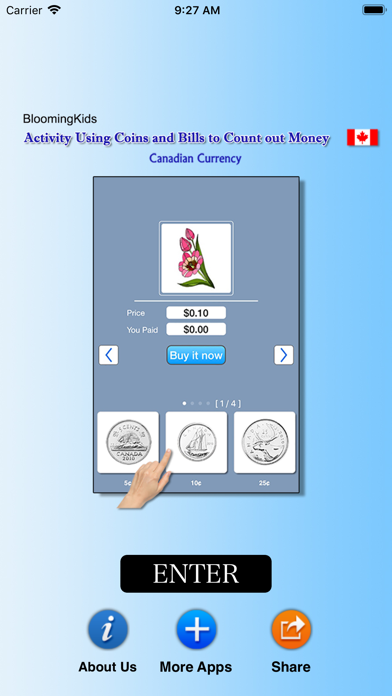
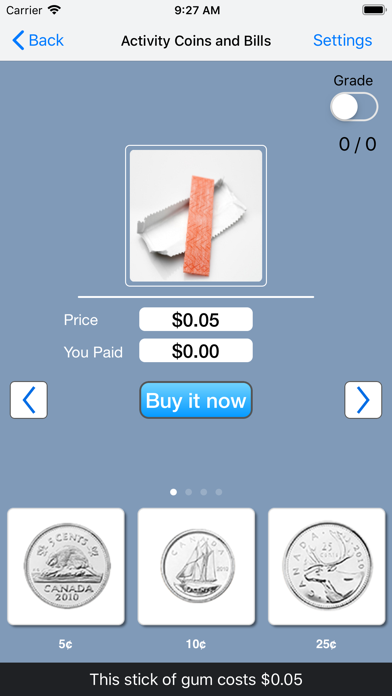
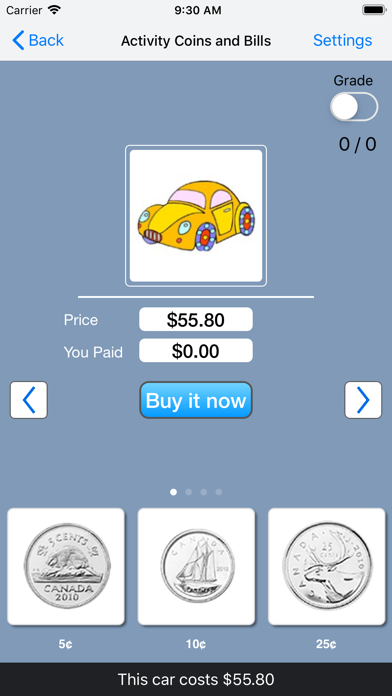
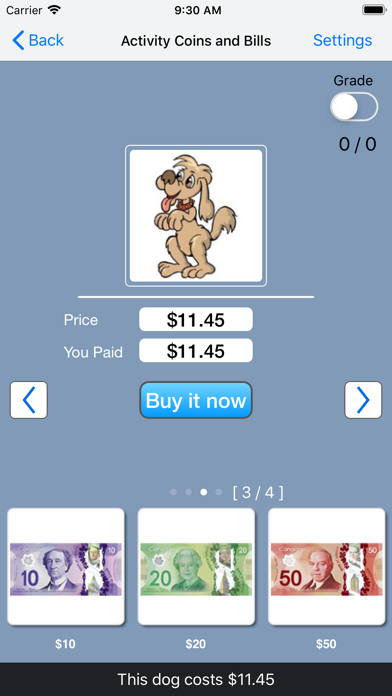
The app presents items for sale with a price and a payment counter. Students select coins and bills to match the item's price.
This program teaches the student to use coins and/or notes to pay the exact price of an item for sale. These programs can be used by kindergarten children or learning-disabled children of various ages.
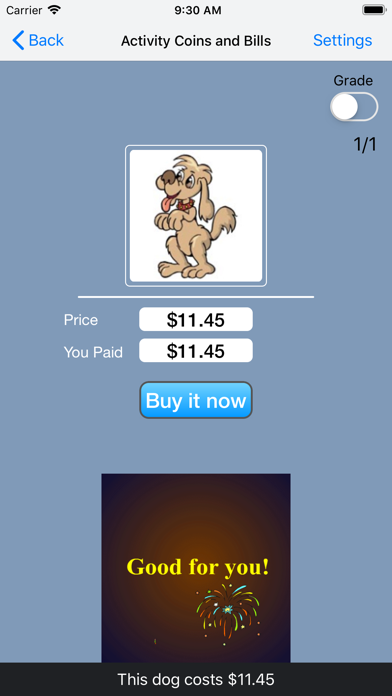
At the top of the screen is an item (say, an apple) for sale. Under the item is the price ($1.50 in this example). Under the price is a counter showing the amount that the student has paid so far. Under the counter is a matrix with coins and bills available to the student. The student clicks on the coins and/or bills to make the counter show the same number as the price shows. When the student thinks the amount is correct, he/she clicks on the “Buy it now" button. If the amount is right, a congratulatory animation appears. If it is wrong, the student must try again.
Under the matrix are left and right arrows. Click the right arrow to move to the next exercise. Click the left arrow to repeat an earlier exercise. Click “Refresh" to restart the current exercise.