
iPhone Screenshots



Description
Stopwatches app features:
- 0.001 accuracy. Every stopwatch works with thousandths of a second accuracy.
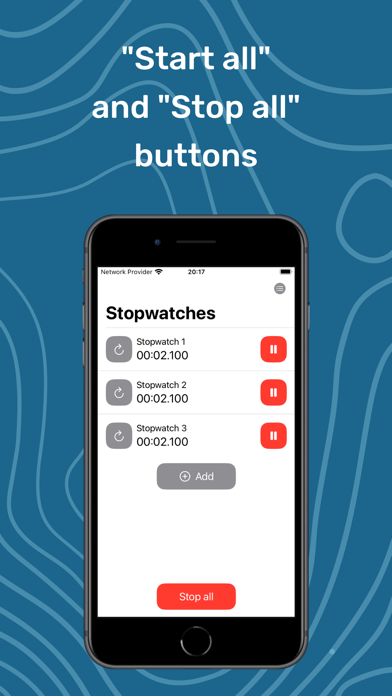
- "Start all" and "Stop all". It is possible to start or stop all your stopwatches at the same by tapping "Start all" or "Stop all" button.
- Expanded view. You can zoom in stopwatches tapping on the special button in the top right corner.
- Stopwatch name. Swipe right on a stopwatch and tap the "Name" button or just tap the "Name" button in the expanded view to set or change stopwatch name.
- System theme. Stopwatches app has a light and dark appearance. Its appearance depends on a system appearance.
- Removing stopwatches. Swipe left on a stopwatch and tap "Delete" button to delete the stopwatch.
- Stopwatches work even after closing the app.