
iPhone Screenshots


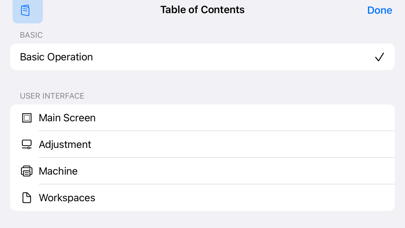
Description
Using MiScreen-Air, you can send image files from your mobile device to the screen printing machine ""MiScreen a4"" for plate-making.
[Supported Image File Formats]
The following formats can be loaded:
PDF
BMP
JPEG
PNG
AI (trimmed to artboard size, PDF must be included when saving)
[Main Features]
You can select and load image files from your mobile device.
Adjust the plate-making image while previewing and send it to the plate-making machine.
Black and White Conversion:
Adjust the threshold for converting the loaded image to black and white, and the degree of dilation for trapping processing.
Image Placement:
Adjust the size, position, and rotation of the image.
Copy Placement:
Arrange multiple copies of the same image in a tiled pattern, specifying the number and spacing.
[Requirements for Using MiScreen-Air]
Mobile Device (Tablet/Smartphone)
iOS/iPadOS 15,16,17
Screen Printing Machine
MiScreen a4
Device Server
To use this application, you need to connect MiScreen a4 to the same wireless LAN as your mobile device. By connecting a device server to the USB port of MiScreen a4, you can connect to a wireless LAN router.
The following device servers have been tested:
DS-700 (manufactured by Silex Technology, Inc.)
DS-700AC (manufactured by Silex Technology, Inc.)
[Supported Languages]
Japanese, English
(If the display language of the OS is not Japanese, it will be displayed in English.)