
iPhone Screenshots

Description
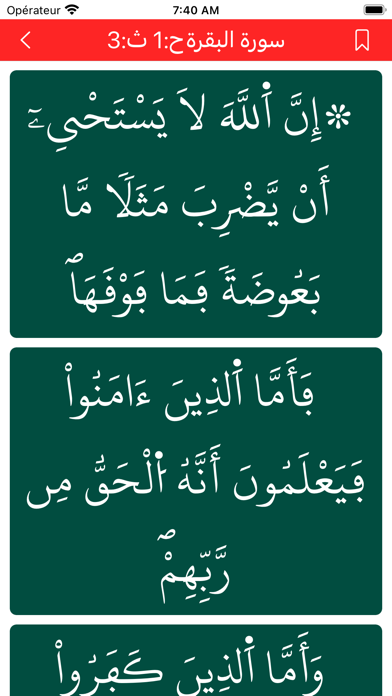
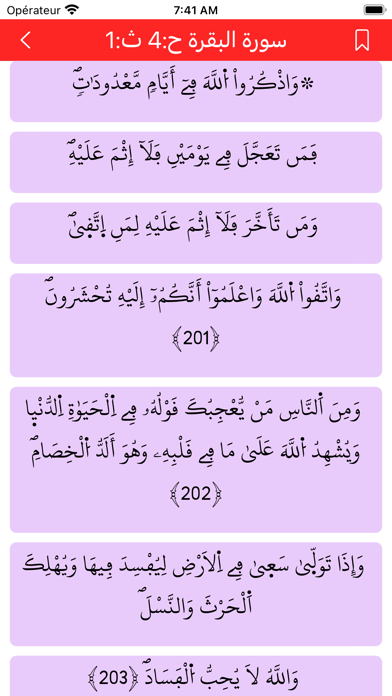
Read Quranic text with adjustable font size and pastel-color backgrounds for eye comfort. Navigate pages corresponding to Tumuns, set reading speed for automatic scrolling, and save progress to resume later.
The preserved tablet is a Qu’ran with a narration of Warsh on the authority of Nafie of Al Azraq
Control the font size to make it easier for the visually impaired
Choose one of different pastel-color backgrounds for eye comfort
Each page corresponds to a “Tumun” (1/8 of a Hizb) as is the case on the traditional Moroccan tablet
Activate automatic reading or scrolling according to the speed you set so that you don’t get tired of the frequent use of thumb to scroll
Saves where you paused whether you are: learning, reviewing, reading or browsing.