
Whats Web Dual Messenger
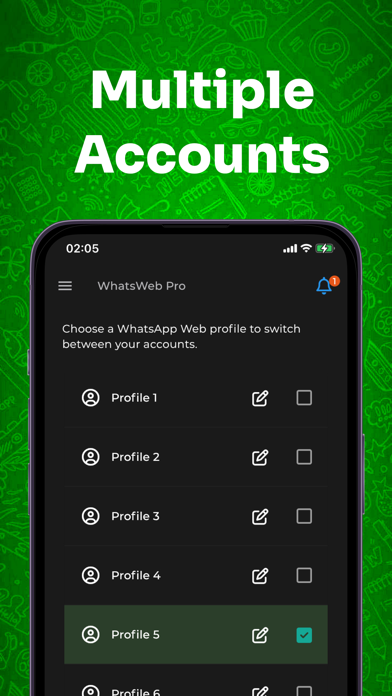
Switch between accounts instantly
Marcus Aurelio Araujo Andrade Tecnologia da Informacao LTDA
iPhone Screenshots
Description
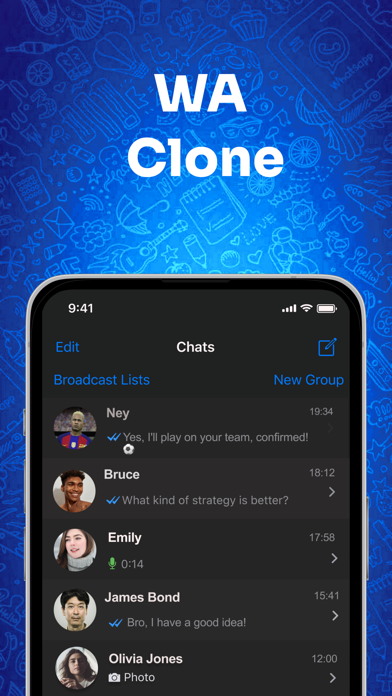
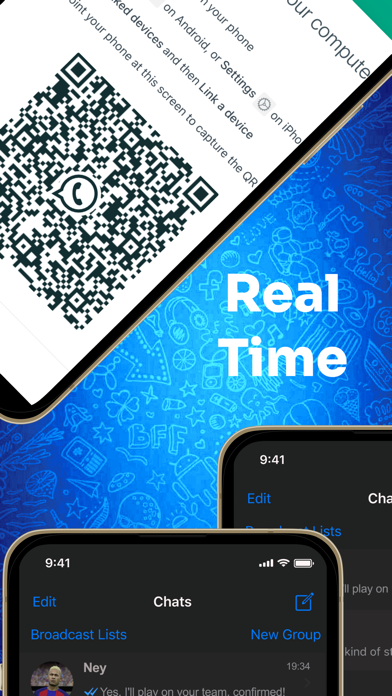
Manage multiple Web accounts with a single . Switch between accounts instantly. View messages, send texts, and control settings for each account. Sync contacts and notifications across devices. Export chat history and manage media files.
WhatsWeb: Use Multiple Accounts with WhatsWeb.
Explore WhatsWeb, an innovative application designed to enhance your interaction with Whats Web. Whether you are a professional managing multiple accounts or someone looking for an easy and efficient way to use WT Web, WhatsWeb is the ideal choice.
Why Choose WhatsWeb?
Simple Management of Multiple Accounts: Switch between various WT Web accounts without the hassle of logging in and out repeatedly.
User-Friendly Interface: Our intuitive design provides a smooth, efficient, and enjoyable user experience.
Hassle-Free Account Switching: Transition between different WT Web accounts with ease, perfect for users with multiple business or personal accounts.
Ideal for Various Profiles:
Business Professionals: Efficiently manage communication with your clients.
Personal Use: Enjoy a more organized and agile experience on WT Web.
For the Family: Stay connected with your family and oversee the responsible and secure use of WT.
Getting Started:
Download WhatsWeb today and discover the essential tool to enhance your WT Web usage.
Legal Notice:
WhatsWeb is not affiliated with WhatsApp Inc. It is a third-party tool developed to enhance the user experience on WhatsApp Web.
More Information:
Terms: https://hotmob.app/whatsweb/terms
Privacy Policy: https://hotmob.app/whatsweb/policy