
Decibel Meter: Sound Meter dB
Measure levels and display values
Van Hoa Nguyen
iPhone Screenshots



Description
Measure levels in your surroundings with real-time readings. Display minimum, average, and maximum values. Show current noise reference and detailed data. Visualize levels through a graph for better understanding.
Do you want to measure sound level? This app is perfect for you.
The app shows decibel values by measuring the environmental noise, and displays measured dB values.
Key features in app:
Sound Meter:
- Measure sound levels in your surroundings with the app.
- Display min/avg/max decibel values
- Display the current noise reference
Display Decibel by a Graph:
- Display decibel by a graph, easy to understand
Data Details:
- Show min/avg/max decibel values
- The app shows detailed information: name, time, date, location, equivalent...
Decibel Scale:
- Sound meter or decibel meter(dB meter) level of noise
10dB : Breathing
20dB : Rustling Leaves
30dB : Whisper
40dB : Rain
50dB : Refrigerator
60dB : Conversation
70dB : Car
80dB : Truck
90dB : Hair Dryer
100dB : Helicopter
Highlight of the app:
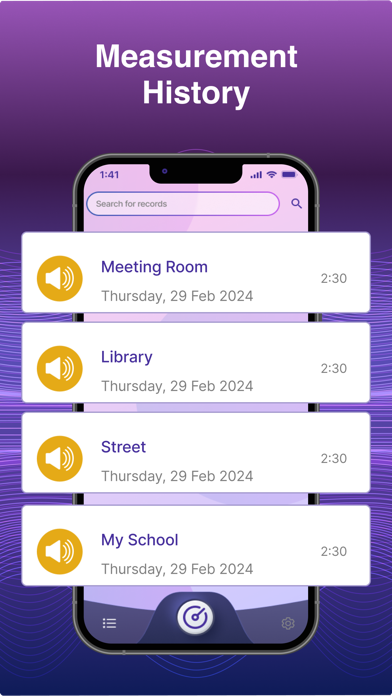
- Measurement histories
- Show noise reference, levels of noise
- Easy to use
- Pause/Resume at any time
- Change white or black theme
If you like the app, share it with friends. If you have any questions about the app, let us know below.