iPhone Screenshots

Description
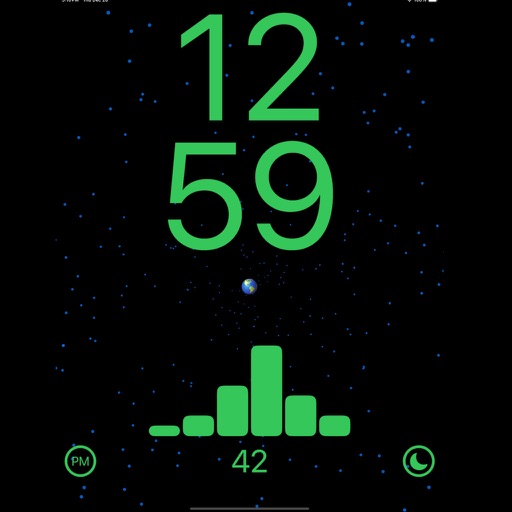
By clicking on the left button at the bottom of the screen you can switch the clock from 24 hour mode to 12 hour mode.
Pressing the right button switches between day and night mode.
Keep in mind that while the app is running, your phone or tablet will not go into sleep mode, so it is best to connect your device to a charger when using the app.