
QuickFix: AI Keyboard
Edit text with AI buttons and
Ruslan Vinahradau
iPhone Screenshots



Description
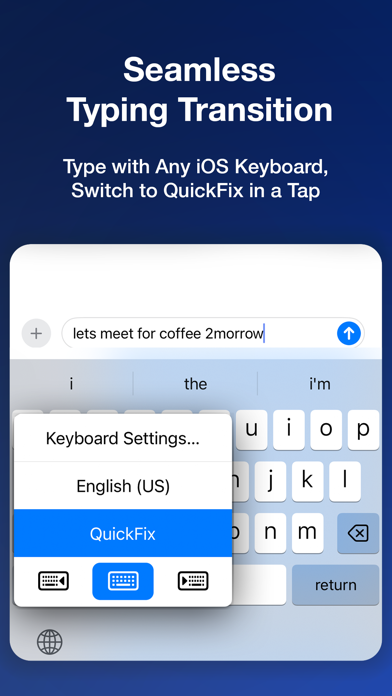
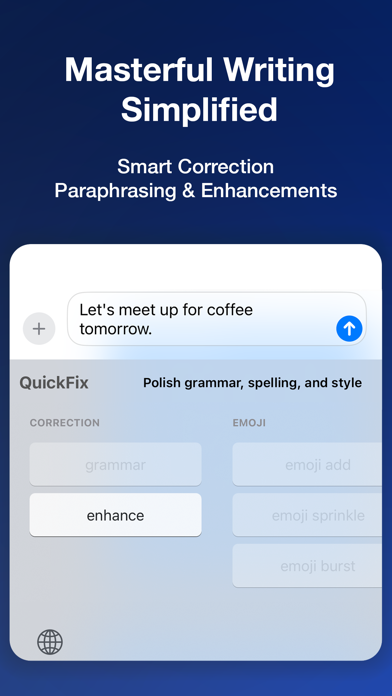
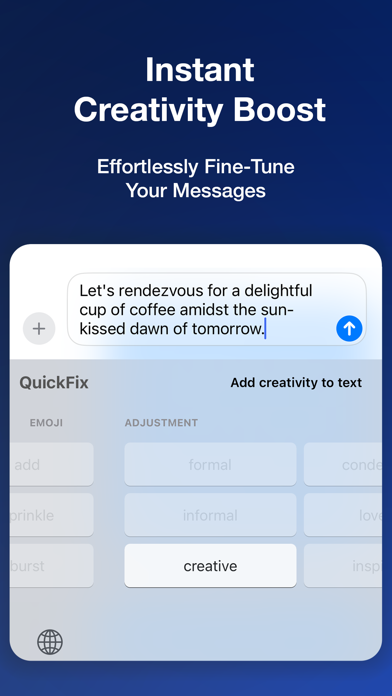
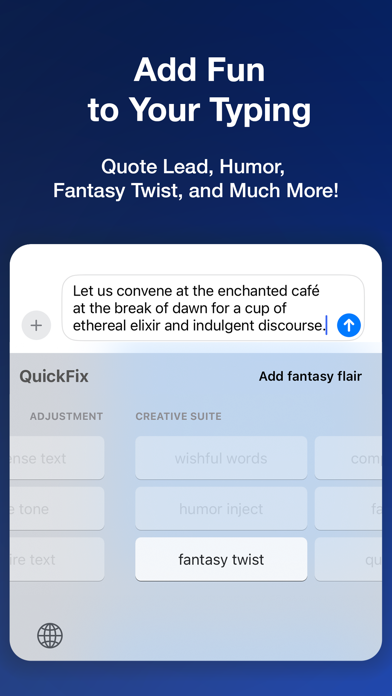
AI enhances text by applying pre-trained AI buttons for grammar, style, and clarity. Users can edit text directly within apps, switch to the , and tap AI buttons for suggestions.
Revolutionize Your Typing with 'Q' in Three Steps:
1. Enter your initial text;
2. Switch to QuickFix AI Keyboard;
3. Tap an AI Button.
And voilà — elevate your text to the next level!
◆ WHY QUICKFIX ◆
QuickFix transforms typing with Pre-trained AI Buttons, offering multi-language support and pro-level enhancements in a single tap. Enjoy direct, seamless text editing without extra steps. Built for accuracy, speed, and privacy, QuickFix stands out as the top-performing iOS keyboard extension for a superior typing experience.
◆ PRIVACY ◆
QuickFix, an iOS Keyboard Extension with internet capabilities, prioritizes your privacy. It's inactive in password fields and doesn't use your typing data for marketing. With most processing done locally, only AI features require internet, ensuring your identity remains secure.
◆ MAIN FEATURES ◆
► Pre-trained AI Buttons
Each utilizes powerful pre-trained textual AI and is designed to provide comprehensive results with just one tap.
► Multi-Language
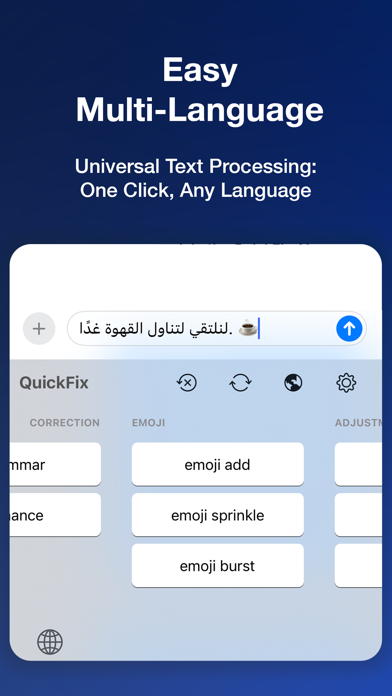
No matter which language you type in, QuickFix will understand it and enhance your text like a native professional writer.
► Smart Translations
Skip translation apps and complex steps. With QuickFix, simply type and tap an AI Button to get text translated and refined like a native speaker's work, effortlessly.
► Battery Friendly
The QuickFix keyboard is highly optimized for efficient battery management and consumes almost no power when it is backgrounded.
Stay tuned for more features in upcoming updates!
---
Terms of Use: https://quickfixai.app/terms