
iPhone Screenshots


Description
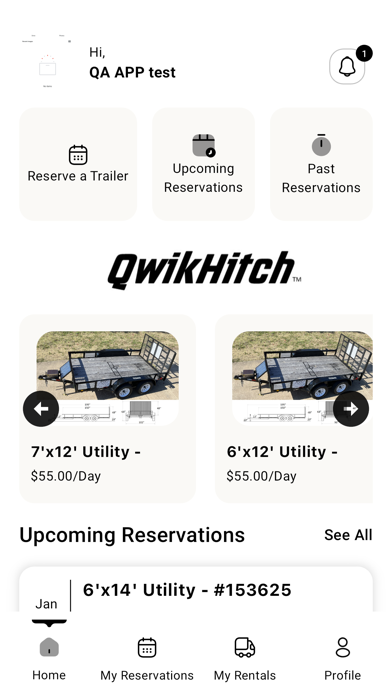
Download this trailer rental app now! The Qwikhitch app provides 24/7 self-service trailer rentals. No lines, no paperwork, no hassle. Get started in a few simple steps:
1)Download the Qwikhitch app and create an account
2)Select a date and location to reserve your trailer
3)Reserve a trailer by providing your driver’s license and insurance information
4)Unlock your reserved trailer by scanning the QR code located on the trailer hitch
5)Hit the road with no drama or hassle!
Always rent responsibly! For more information regarding the Qwikhitch rental
process, Terms and Conditions and Privacy Policy, visit our website.