
iPhone Screenshots

Description
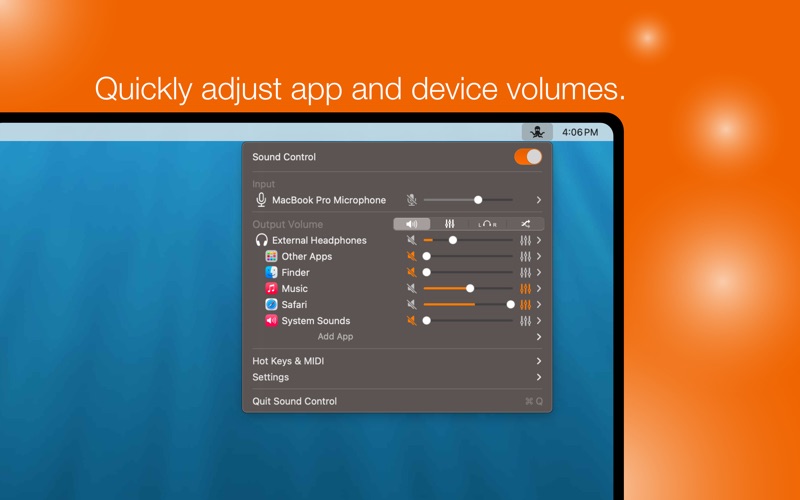
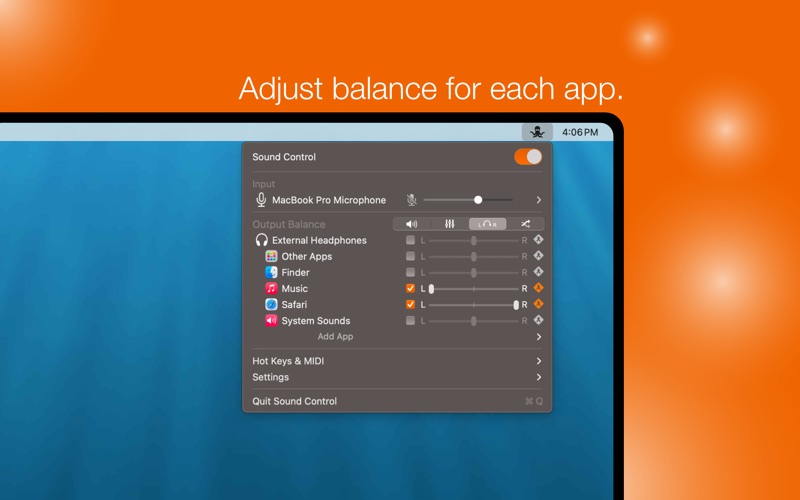
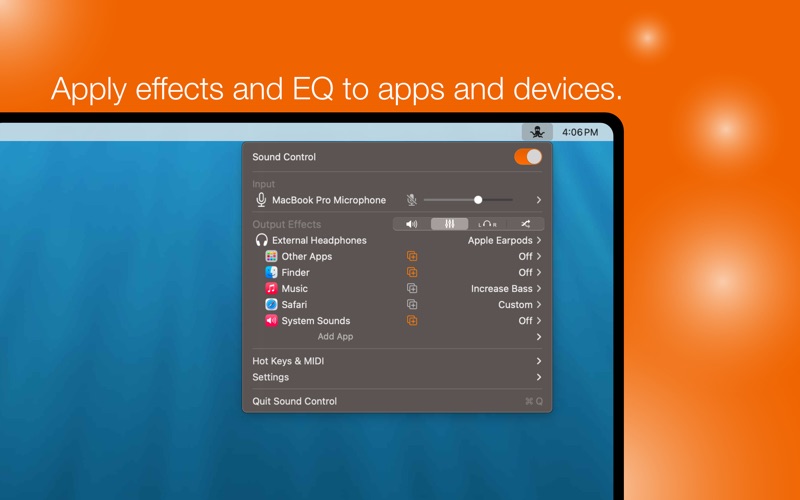
Sound Control is a menu bar app that gives you complete control of your Mac's audio. Use Sound Control to quickly adjust the volume and balance of your apps and devices. Every app and output device has separate effects settings where you can use Audio Units, including Graphic EQ or NBand-EQ to tailor the sound of each app and output to your liking.
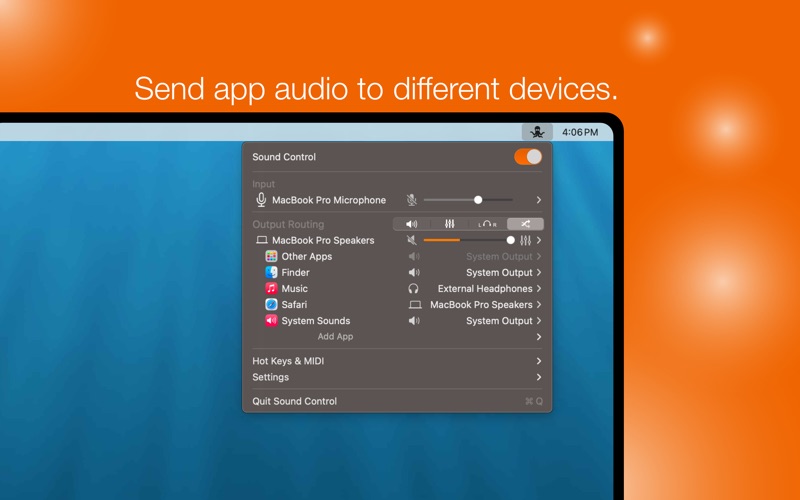
Sound Control also adds the ability to route audio for each app to a different audio output device. Play music to your high end speakers and send system beeps to your Mac's built-in speakers so they don't disturb your listening.
Sound Control also includes advanced features like HotKeys and Priority Devices.
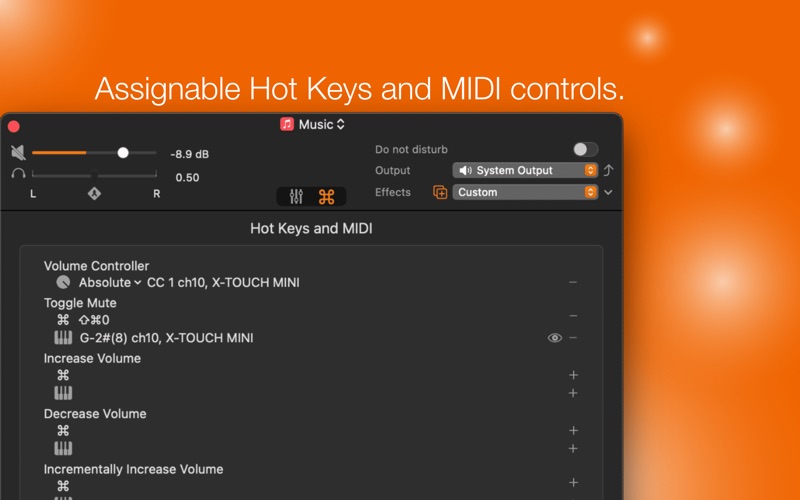
Use HotKeys to control your Mac's audio via your keyboard or with MIDI controllers. Use continuous controls like knobs or sliders on your MIDI controller to adjust volume for devices or applications.
Priority Devices enable arrange your audio devices (both input and output) by priority. When an audio device is plugged in, Sound Control can automatically switch to it if it has a higher priority than the current device in use.
And more!
Virtual Volume - Add software volume to your audio devices that are missing volume controls like HDMI and DisplayPort displays.
Do Not Disturb - Mute everything except the foreground app so you can focus on the task at hand.
Prevent Sleep - Some devices take a long time to wake up. Turn on Prevent Sleep to keep these devices awake so you don't miss any sounds.
https://www.apple.com/legal/internet-services/itunes/dev/stdeula/