
iPhone Screenshots


Description
FEATURES:
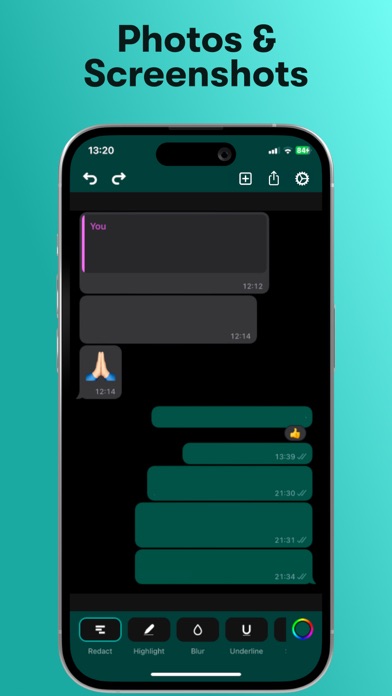
- Multiple Markup Tools: Choose from a variety of editing options, including blurring, redaction, mosaic, highlighting, underlining, strikethrough, blending, and pixelation.
- Perfect for images, photos, screenshots, PDFs and documents.
- Directly open and edit documents from your photo library or files, or easily add new ones by scanning them within the app.
- Obscure, censor, hide, or mask sensitive information in your files.
- Automatically detects background colors for seamless text erasing.
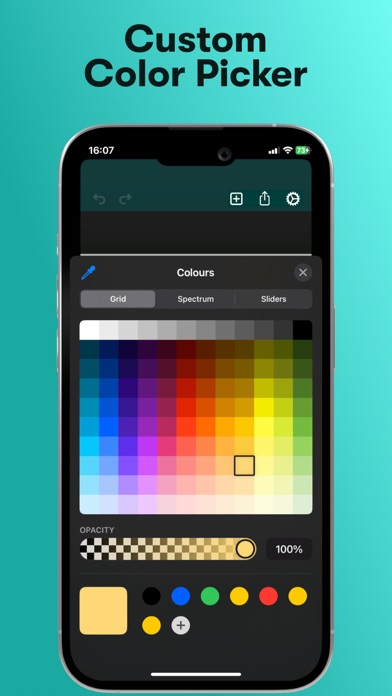
- Easily change the color of your markups to match your style.
- Export and share images in HD quality.
- User-friendly and straightforward, making text editing simple and efficient.
- Fast and effective tools for all your text markup needs.
- Zoom in for precise annotation and editing.
Blurtext is a privacy-focused tool for securing personal and sensitive information or adding a creative touch to your screenshots and documents!
CONTACT:
[email protected]
Links for more info:
- Terms of Use: https://www.blurtext.com/#terms-of-use
- Privacy policy: https://www.blurtext.com/#privacy-policy
- Link for more info: https://support.apple.com/en-gb/HT202039