
My Voice - Text To Speech
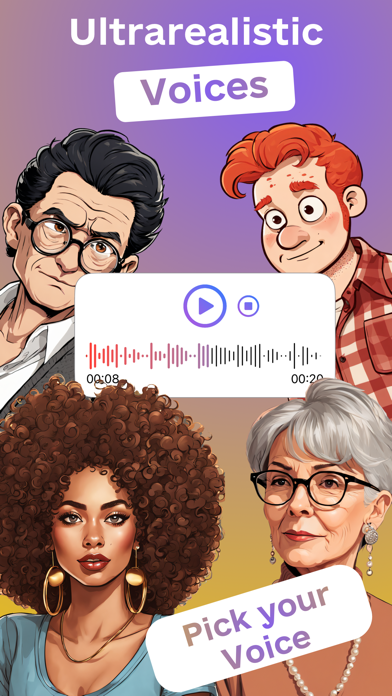
Convert to with nine voices
Vlad Khodiachiy
iPhone Screenshots


Description
Convert to natural-sounding using -to- technology. Select from nine distinct voices with varying tones. Copy and paste to generate audio. Save and share generated files. Adjust settings for customization.
Experience the power of Voiceover Artificial Intelligence with My Voice - Text To Speech! Transform any text into natural-sounding speech with My Voice's innovative text-to-speech technology. Choose from a selection of nine distinct voices, each crafted to bring your words to life in a way that suits your style. Whether you need a professional tone, a friendly voice, or something in between, we've got you covered.
Our app is designed with ease of use in mind. Simply copy and paste the text you want to convert, select your preferred voice, and let our AI do the rest. The output is crystal clear, easy to understand, and indistinguishable from a real human voice.
Key Features:
- Groundbreaking AI generates stunningly human speech from text.
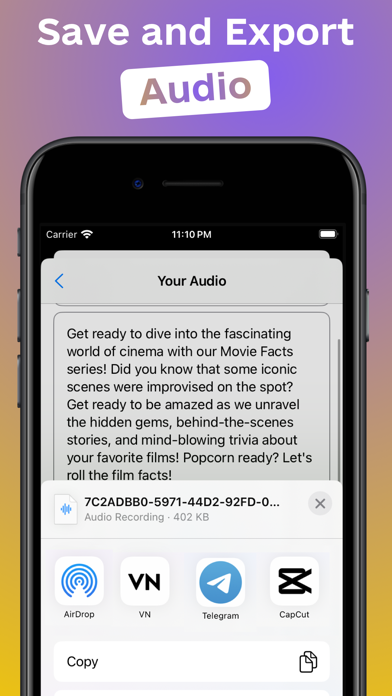
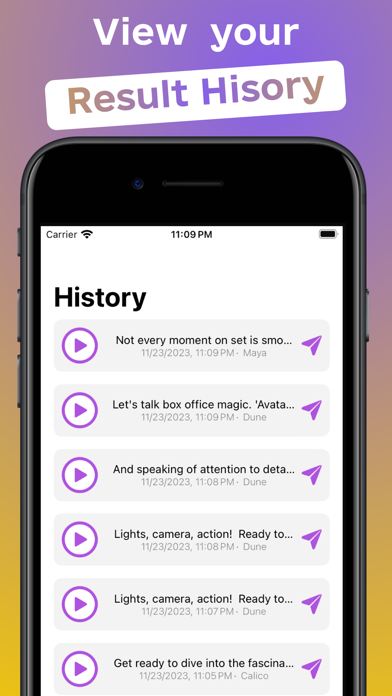
- Save generated audio files to your device.
- Choice of voice to suit any preference.
- Lightning-fast processing for instant text-to-speech.
- Multi-Language Support.
- Intuitive and simple interface.
Don't settle for robotic-sounding speech synthesis. Choose My Voice: Text To Speech and experience the future of voice technology today. Download now and discover why we're the top choice for users who demand the best.
If you are a creator of video and audio content for social networks or for work, this application is for you.