
iPhone Screenshots




Description
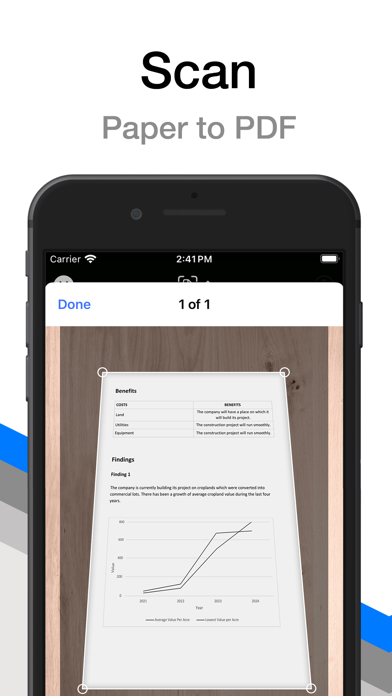
Transform your iPhone and iPad into powerful document scanners with PDF Scanner. In just a few taps, digitize your paper documents into sharp, clean PDF files. PDF Scanner automatically detects and captures documents, applying perspective correction and color enhancements for high-quality results.
Key Features At A Glance:
• CREATE PDFs:
∙ Easily convert paper documents into multi-page PDF files.
∙ Automatic document detection.
∙ Enhanced with perspective correction.
• FILE MANAGEMENT:
∙ Organize your scans and label them with colorful tags.
• SHARE YOUR SCANS:
∙ Easily share documents with friends or co-workers.
• AND MUCH MORE...
Premium Features:
• UNLIMITED PAGES:
∙ No limit on pages and file size of your scans.
• DOCUMENT FORMAT:
∙ Choose from document sizes like US Letter, US Legal, A3, A4, A5, and more.
• HIGH-RESOLUTION SCANS:
∙ Create up to 300 dpi high-resolution documents.
• AUTO-ENHANCE:
∙ Automatically enhance scan quality and color.
• COLOR FILTERS:
∙ Apply Black & White or grayscale filters to your scans.
• PHOTO IMPORT:
∙ Import images from the Photos app.
• AUTOMATIC CAPTURE:
∙ Automatically detects and scans a document.
A monthly or annual subscription is required to get access to all premium features.
---
Subscribe monthly or annually to access all premium features. Subscriptions automatically renew unless auto-renew is turned off at least 24-hours before the end of the current period. Monthly plans at $0.99 USD and yearly at $9.99 USD (prices may vary outside the U.S.). Charges apply to your AppStore Account at purchase confirmation. Manage or cancel your subscription anytime in your AppStore Account Settings.
Terms of Use: https://pdf-pro.net/terms-of-service/
Privacy Policy: https://pdf-pro.net/privacy-policy/