
Screen Mirroring ӏ TV Miracast
Mirror your and stream content
Jason Smith
iPhone Screenshots


Description
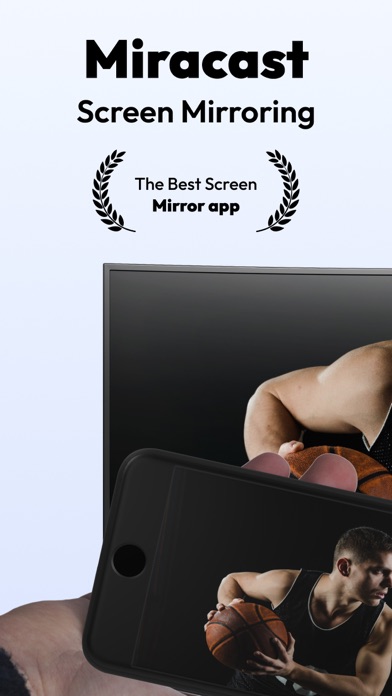
Mirror device to television for content streaming. Broadcast photos, videos, or documents wirelessly. Display content without cables or complex setup. Share content directly from iPhone to larger .
Experience the ultimate convenience with Miracast: Screen Mirroring app! Our app effortlessly mirrors your iPhone screen, streams content directly from your phone, and displays it all on your television. Plus, you can easily broadcast photos, videos, or documents on a larger screen for an immersive viewing experience. Say goodbye to the hassle of tangled cords and complicated setups
Read more about our terms and conditions below.
Privacy Policy:
https://docs.google.com/document/d/1TqSGSTJDrtfI0jE3_QnKVXq2R2rfkpWcDuyT6wCMDh4/edit?usp=sharing
Terms of Use:
https://docs.google.com/document/d/11KKpfrbiiF2QjfWbkeKz75v1PF1QwDea8vVmSIvMos8/edit?usp=sharing
Contact:
[email protected]
*Pricing in countries may vary and actual charges may be converted to your local currency depending on the country of residence.
*Payment will be charged to iTunes Account at confirmation of purchase.
*Subscription will be automatically renewed. Auto-renew can be turned off at least 24 hours before the end of the current period.
*Your account will be charged for renewal within 24 hours prior to the end of the current period, and identify the cost of the renewal.
*Subscriptions may be managed by you and auto-renewal may be turned off by going to the user's iTunes Account Settings.
For more information please visit one of the following links:
- https://support.apple.com/en-us/HT202039
- https://support.apple.com/en-us/HT204084
App information from Apple App Store. Screen Mirroring ӏ TV Miracast and related trademarks belong to Jason Smith.