
iPhone Screenshots
Description
[The premier application window preview tool for the Dock on Mac]
[Efficiently switch and manage application windows to improve the user experience! ]
1. Quickly view windows
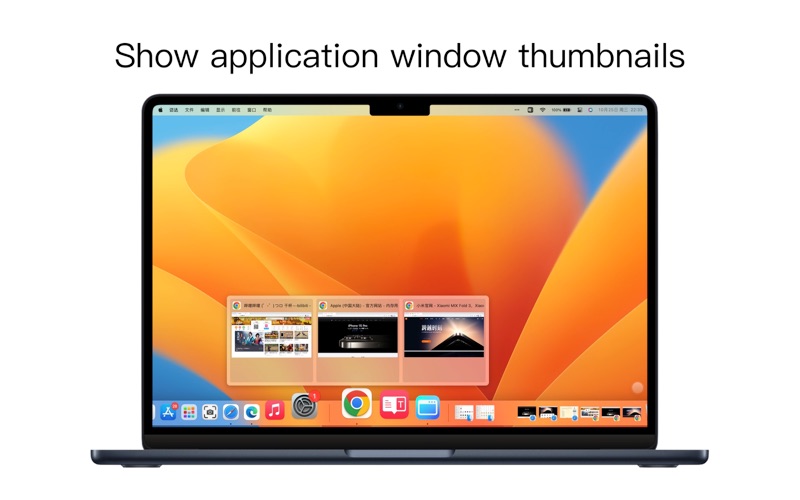
Move the cursor to the application icon in the Dock, and iDock will display all windows of the application in the form of thumbnails. You can easily browse all windows of an application to better understand and manage running applications.
2. One-click window switching
Once you find the window you need, just click the corresponding thumbnail to switch to the corresponding application window immediately. No need to switch back and forth between multiple windows.
3. Window control options
Four options are provided in the upper left corner of each window thumbnail, including exiting the application, closing the window, minimizing the window, and putting the window into full screen mode. These options enable you to control applications and windows more conveniently and improve your work efficiency.
Terms of use: https://www.better365.cn/Terms.html
Communication QQ group: 687661905