
iPhone Screenshots




Description
Station Locate helps users locate Electric Vehicle (EV) charging stations nearby, and do the following:
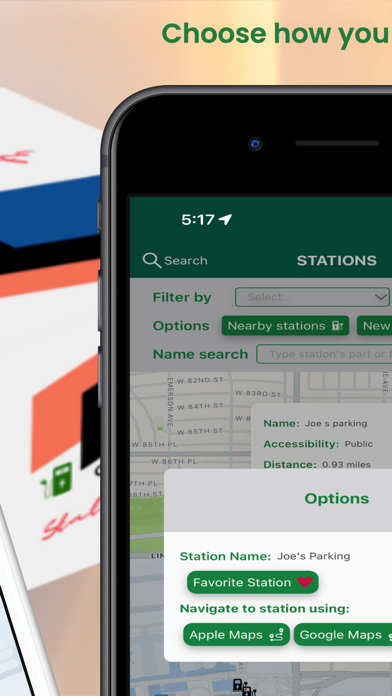
- Display a map showing up to 30 nearest EV charging station
- Users can chose to view the retrieved charging stations as a list to instantly see more details
- In List View, users can select and view an individual station on a map that shows up as a modal. This map modal's will do the following:
-- Show a select amount of information about that station
-- Show traffic conditions such as driving distance from the user's current location, traffic-based driving time shown in minutes or hours/mins, and other important station information
- Users can navigate to the station by launching an external navigation app of their choice, eg Apple Maps, Google Map, Waze, etc. This launching of a navigation app can be done from
-- Map view of all stations: by tapping the individual station and choosing what app to launch
-- List view of all stations: by tapping "Navigate" on the station card
-- Station map modal: by tapping "Navigate"
- Users can filter retrieved stations by properties such as free, 24-hrs, accessible to public, type of connectors, network the station belongs to, etc.
- Users can search retrieved stations by name to zero in on choices
- Users can call the station using iPhone calling for further station information/inquiries
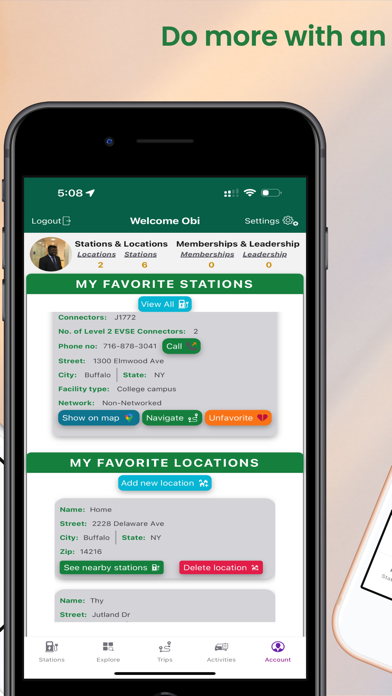
- Optionally can create an account in order to use more features of the app which include:
-- Adding and removing stations from their list of favorite stations, making it easy to see information about those stations and navigating to them later
-- Add their favorite locations in the form of addresses. This will make it easier to pull stations close to that location later. They can also delete these locations.
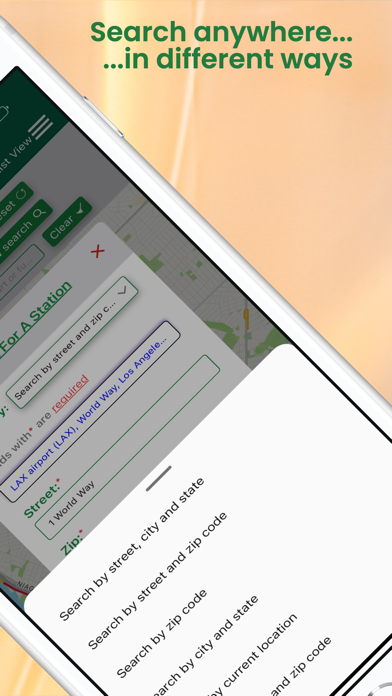
-- Search for stations with the following criteria
--- Zip code
--- Street and Zip code
--- Street, City, and State
--- City and State
--- City and Zip code
--- Current location
-- The search radius can be modified as wanted by the user for these type of searches
-- Logged in users can see comments on stations
-- Logged in users can write a comment on a station
-- Logged in users can update, and delete a comment if it was made by them
- Users also have the option to delete their account if they wish to no longer have an account on the app.
- Users can log in and log out of their account as they wish.
- Users signup with their Apple ID, Google account, Facebook account, or an email and password.
- For security, and to prevent abuse, users are asked to verify their account via an OTP sent to a phone no. Same phone number can also be used verify their ownership of the account in the event the user wants to change their password or forgot it.