
iPhone Screenshots



Description
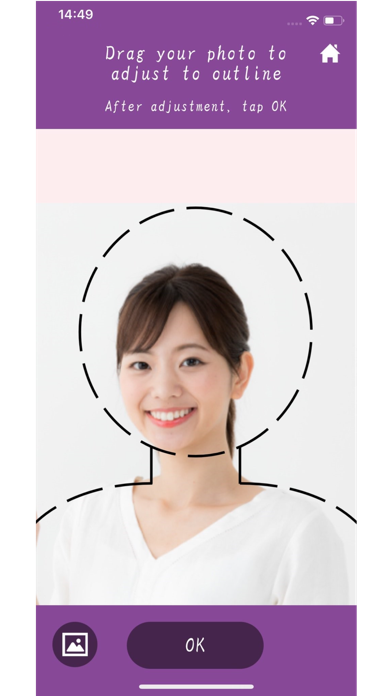
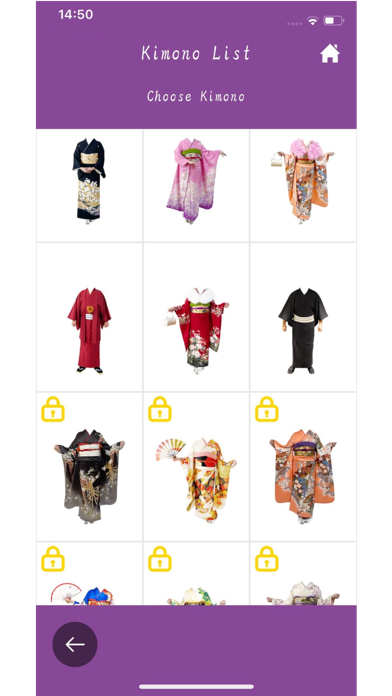
1. Select all the photos you have taken or downloaded into your smartphone, or take a new photo with your phone's camera. 2. Edit and adjust the selected photo image to kimono. 3. Insert your kimono image into background photos. 4. Tap save. Create your own unlimited kimono image shots and share them with friends and family. This app will be updated with new kimono and features in the future. So stay tuned for more!!