
iPhone Screenshots
Description
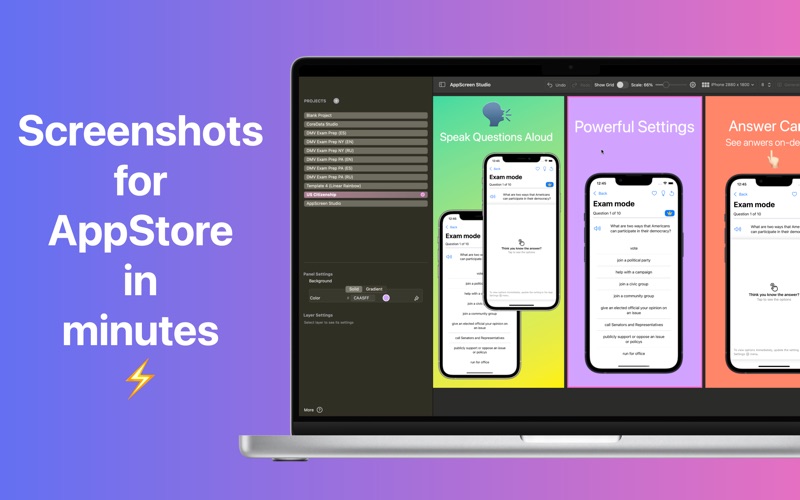
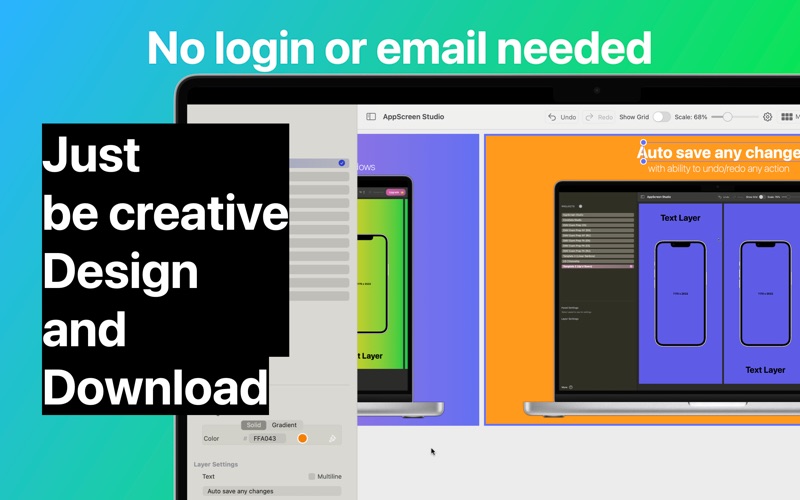
Create professional App Store screenshots in minutes!
AppScreen Studio is the ultimate screenshot maker, mockup generator, and design tool for macOS, built specifically to streamline your app submission workflow. Transform ordinary simulator screen captures into compelling marketing assets that boost your ASO (App Store Optimization), increase click-through rates (CTR), and skyrocket conversions.
Whether you are an indie developer, marketing agency, or UI/UX designer, AppScreen Studio helps you create pixel-perfect visuals for iPhone 16, iPad Pro, Mac, Apple Watch, and Apple Vision Pro effortlessly. No complex design software required.
NEW IN VERSION 2.0: MULTI-SIZE SYNC
Stop wasting hours resizing designs manually.
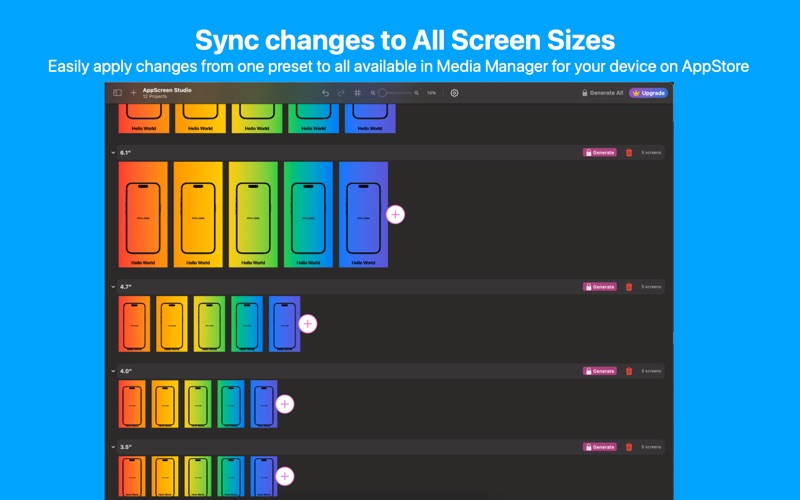
• Sync to All: Design your master screenshots once (e.g., for the 6.9" display) and instantly generate perfectly scaled versions for 6.5", 5.5", iPad, and Mac.
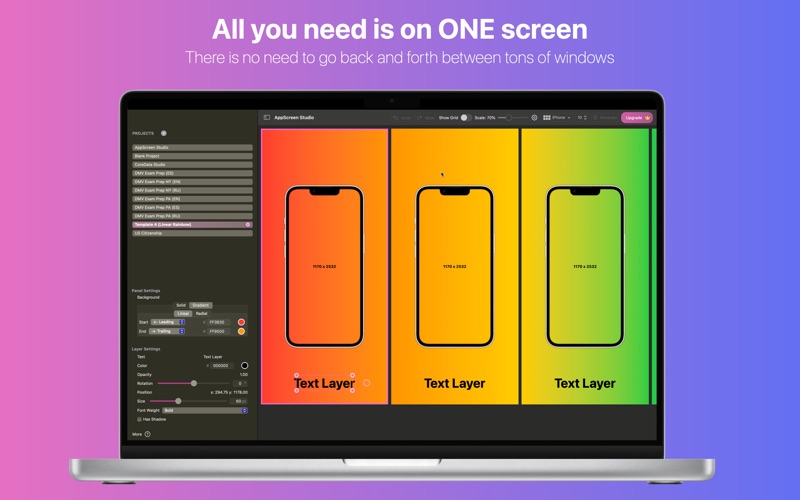
• Unified Project: Manage all required App Store Connect sizes in a single, intuitive workspace.
• Cross-Device Consistency: Ensure your branding looks identical across every device type automatically.
UNIVERSAL DEVICE SUPPORT
Access a massive library of high-quality device frames and realistic mockups.
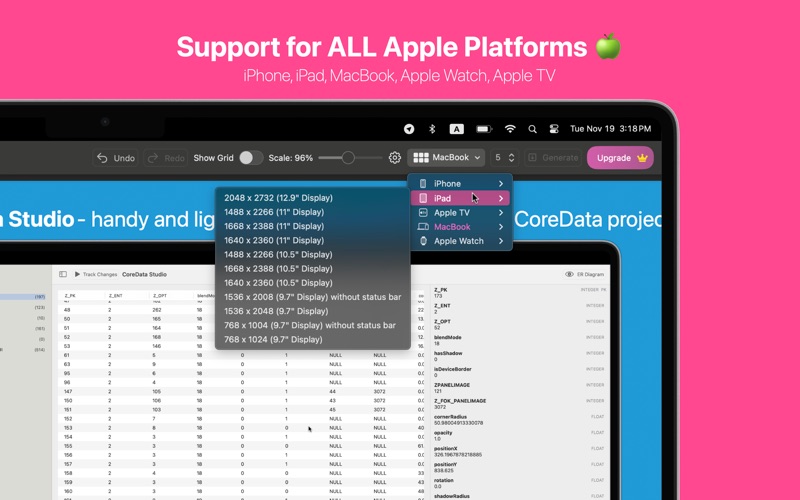
• iPhone: Full support for the latest iPhone 16 Pro Max (6.9"), iPhone 16 Pro, Plus, and legacy models like SE and iPhone 8.
• Apple Ecosystem: Dedicated frames for iPad Pro (13" & 11" M4), MacBook Air/Pro, Apple Watch Series 10/Ultra, and Apple Vision Pro.
• Styles: Choose from photorealistic devices, clean clay mockups, or minimalist flat styles to match your app's brand identity.
PROFESSIONAL DESIGN TOOLS
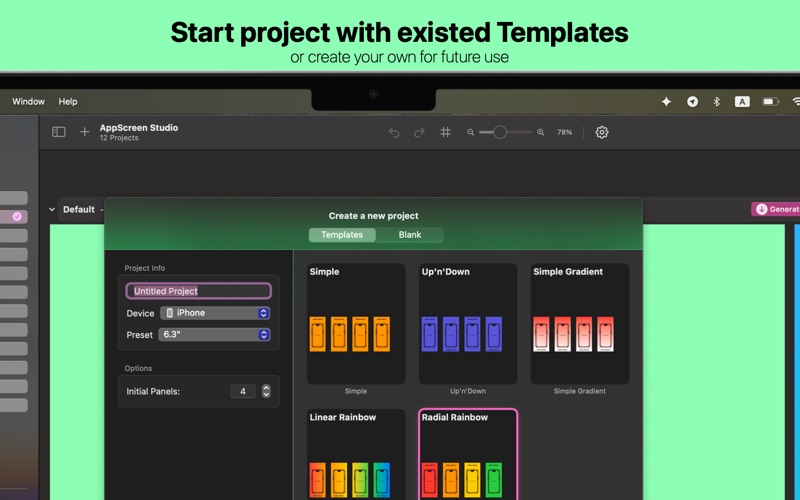
• Templates: Kickstart your creativity with a library of high-converting templates or start from a blank canvas.
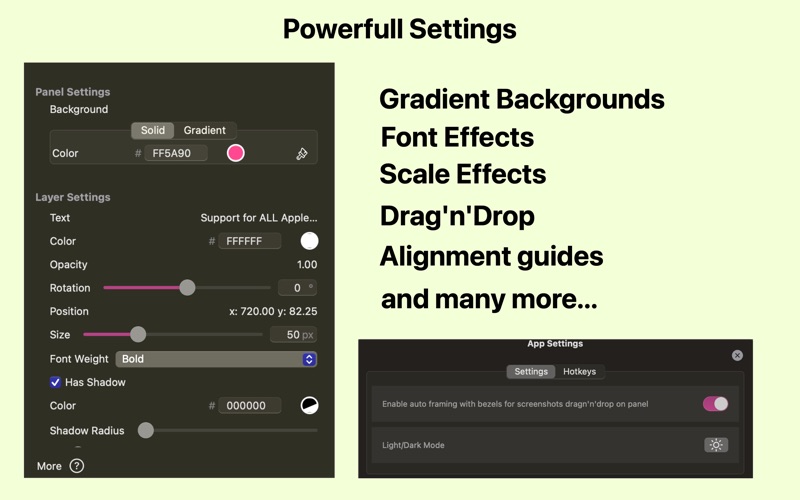
• Advanced Typography: Full control over fonts, sizes, text alignment, colors, and shadows. Add text backgrounds to make your captions pop.
• Backgrounds: Choose from solid colors, beautiful gradients, or import custom images to create panoramic screenshot sequences.
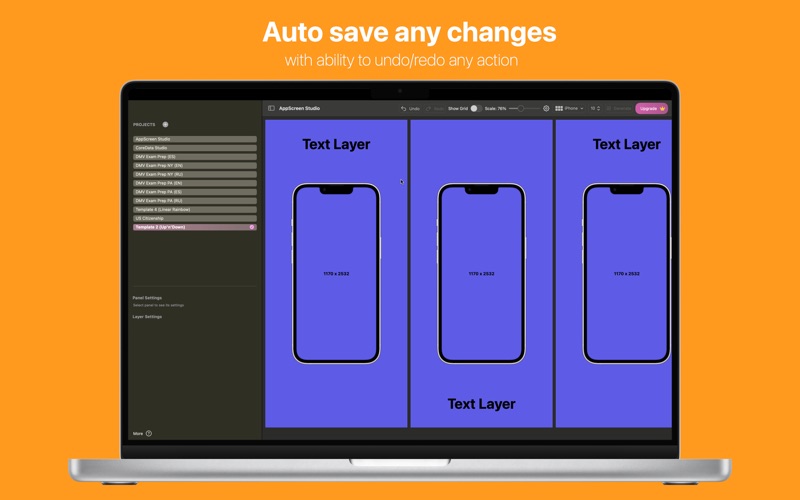
• Layer Management: Easily reorder images, text, and device frames with a powerful layer system.
AUTOMATED WORKFLOW FOR DEVELOPERS
• Smart Auto-Framing: Simply drag & drop your raw Simulator screenshots, and the app detects the device type and snaps them into the correct bezel.
• Batch Export: Generate and export all required Media Manager screenshot sizes with a single click. Files are named correctly and ready for upload to App Store Connect.
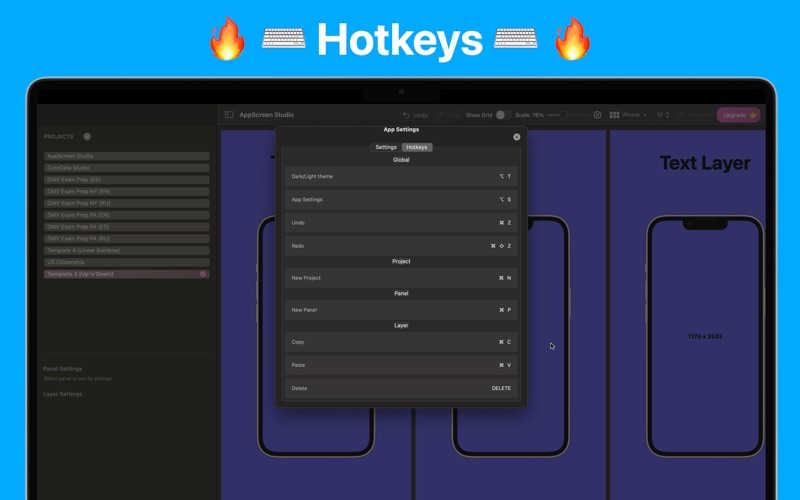
• Native macOS Experience: Built for speed, optimized for Apple Silicon, supporting Dark Mode and standard macOS shortcuts.
YOUR SECRET WEAPON FOR ASO
Did you know that 75% of users decide whether to download an app based on its screenshots? Your visuals are your most powerful marketing tool.
AppScreen Studio helps you:
• Build Trust: Present your app professionally with high-resolution, pixel-perfect assets.
• Localize Faster: Easily duplicate projects to create localized screenshots for different regions and languages.
• Stand Out: Create eye-catching panoramic backgrounds and feature highlights that grab attention in search results.
HOW IT WORKS:
Create: Select a device type and choose a template.
Import: Drag & drop your app screenshots onto the canvas. Auto-framing handles the scaling and positioning.
Design: Add catchy titles, descriptions, and styling.
Sync: Click "Sync to All" to automatically create layouts for iPad, Mac, and other iPhone sizes based on your master design.
Export: Click "Generate All" to get every file needed for submission in seconds.
Boost your app's presence in the App Store and instantly engage users with stunning visuals.
Download AppScreen Studio today and turn your screenshots into your most powerful marketing asset!
Type of subscriptions:
• Auto-renewable subscription: 1 Week, 1 Month, or 1 Year durations.
• One time payment
• EULA: https://momentarium.type.link/legal
• Privacy Policy: https://momentarium.type.link/legal