iPhone Screenshots


Description
This utility app provides the means to connect your Coop Tender® Internet Wi-Fi Module to the Internet via your local Wi-Fi network.
Use it to locate and connect to your Coop Tender® Wi-Fi module using your Smartphone's Bluetooth radio. After locating and connecting to the Wi-Fi module, you are provided with a list of available networks. Select a network and enter the necessary credentials for your Wi-Fi network.
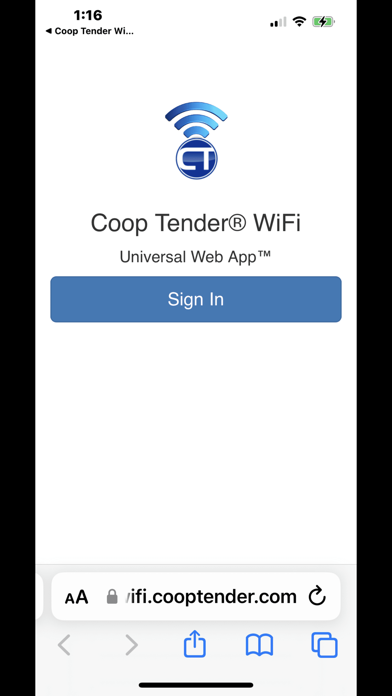
Access to the Coop Tender® Universal Web App is provided on the home screen. The Universal Web App will open in the default browser on your device. You can set a home screen icon from this page to access the Universal Web App directly.
Coop Tender® Internet Wi-Fi Module and Universal Web App™ is a combination of micro-electronics and Internet computer software which permits control, configuration and monitoring of your Coop Tender® Automatic Chicken Coop Door - from anywhere in the world with an Internet connection and browser.
The Wi-Fi radio module connects to your Coop Tender® Automatic Chicken Coop Door. After connected to your Wi-Fi network, the Coop Tender® Universal Web App™ may be accessed using any smartphone, tablet or computer with an Internet connection and browser.