
iPhone Screenshots



Description
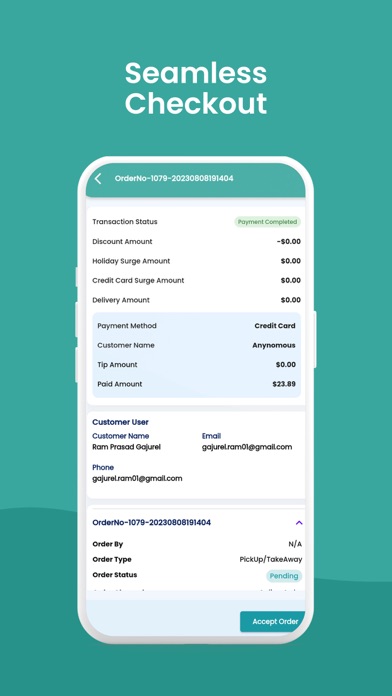
POSApt Order Manager enables business admins or owners to manage all orders from both in-store and online platforms.
What you can use the app for:
1. Accept orders
2. Cancel orders
3. Edit orders
How to login?
Step 1: Create an account in POSApt
Step 2: Disable 2FA in your POSApt Account
Step 3: Sign into POSApt Order Manager with your POSApt account
Step 4: Manage Orders as you like