
PrepChecklist - To-Do List
Check items, organize tabs, prepare fully
Naoki Otsu
iPhone Screenshots


Description
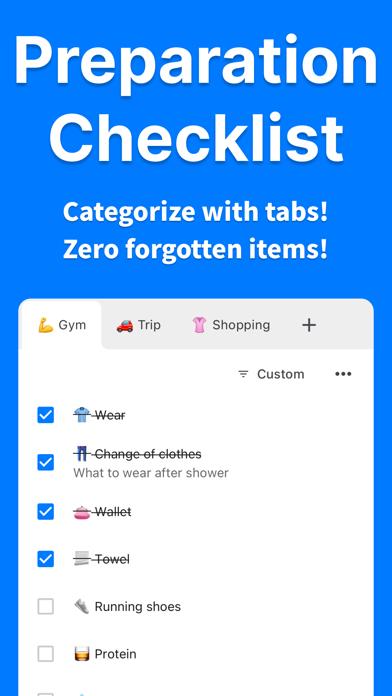
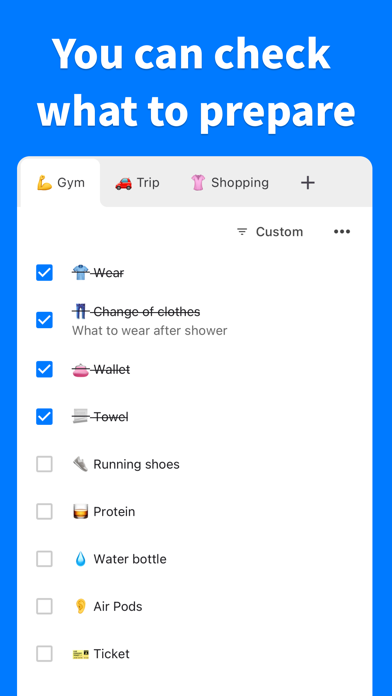
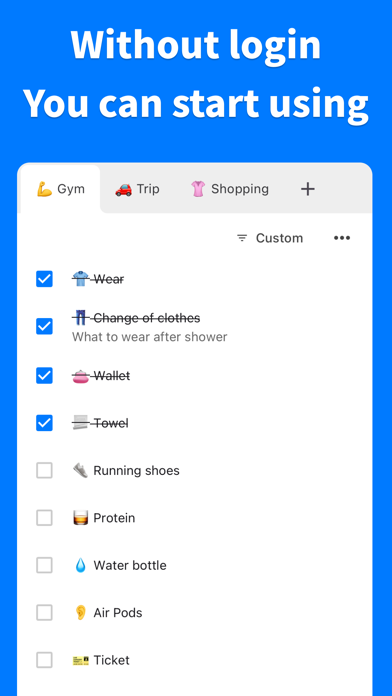
Create and manage preparation lists with unlimited tabs for different scenarios. Add, rearrange, and sort items intuitively. Set reminders and receive notifications for pending tasks. Sync across devices and access lists offline.
PrepChecklist - Check your preparations! Eliminate forgotten items!
Say goodbye to forgotten items forever! PrepChecklist supports your perfect preparation.
Whether it's travel, gym, camping, or business trips - prepare reliably for any scenario.
■ Smart Organization with Tabs
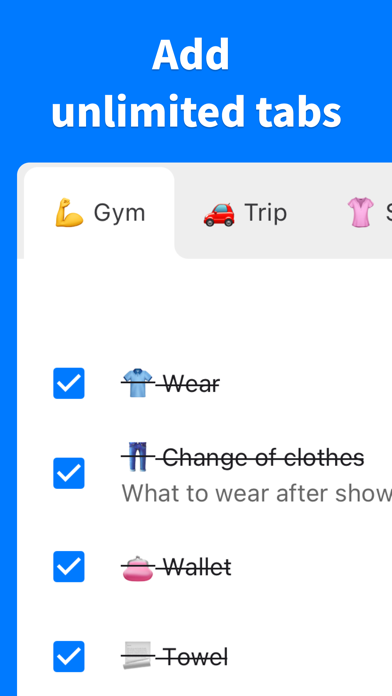
Unlimited tabs to categorize your preparation lists. Freely organize for travel, work, hobbies, and more!
■ Intuitive Operation
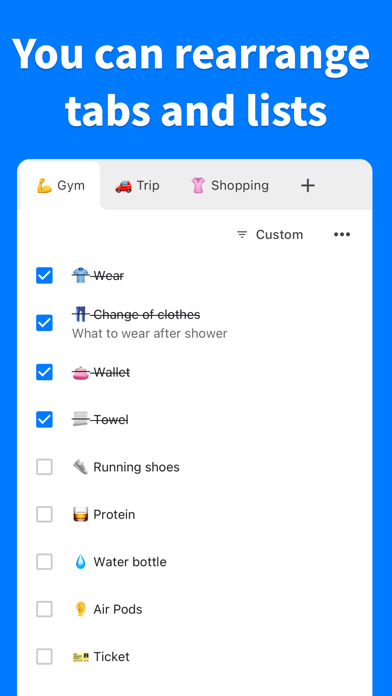
Easy rearrangement with drag & drop. Automatic alphabetical sorting also available.
■ Notification Feature
Get reminders at specified times with custom messages. Never miss important preparations.
■ Biometric Authentication
Lock the app with Face ID or Touch ID. Keep your important lists secure.
■ Background Color Customization
Set custom background colors for each task list. Organize visually for better clarity.
■ CSV Export
Export all data as CSV files. Easy backup and sharing.
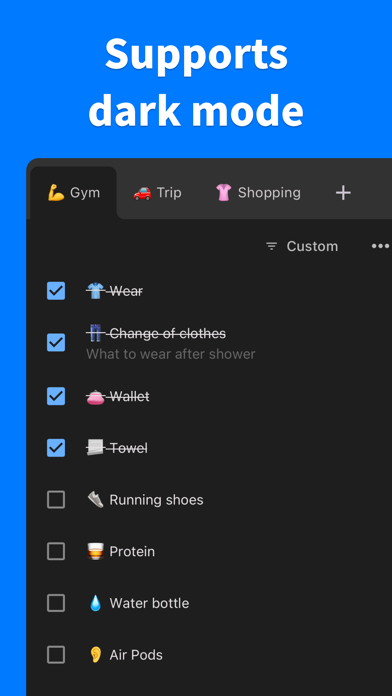
■ Dark Mode Support
Eye-friendly dark mode for comfortable nighttime use.
■ No Login Required
No tedious registration needed! Start using immediately after installation.
■ Complete Privacy Protection
• No external data transmission
• Everything stored safely on your device
• No password input or storage required
■ Comprehensive Support
Need help? We're here to support you! Contact us anytime.
[email protected]
■ Terms of Use
https://naokiotsu.com/term-of-use
■ Privacy Policy
https://naokiotsu.com/privacy-policy
Download PrepChecklist now and start your perfect preparation!