
iPhone Screenshots


iPad Screenshots

Description
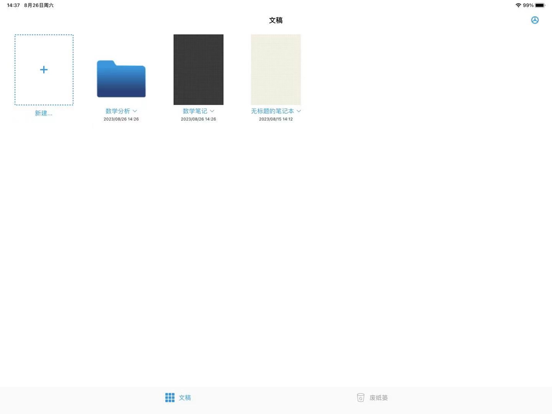
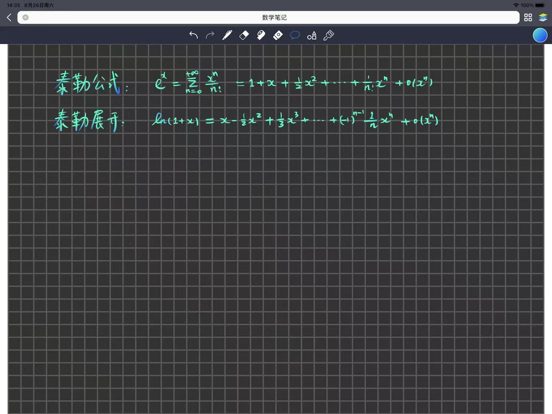
Noting Pro is a note-taking app that lets you write vector strokes with gradient colors on your iPad.
The low-latency vector ink engine, developed in-house, allows you to write vector strokes based on the pressure of the Apple Pencil, and scales up to 20x without distortion:
- Smooth writing experience with low latency
- Fountain pen and eraser support pressure-sensitive peaks, adjustable peak parameters to change the stroke size, transparency, and color, support gradient colors
- Pencil
- Marker pen (in the pen's drop-down menu, select the round tip and just adjust the transparency to 0.4 - 0.5)
- Art Pen
- Lasers pen
- Recognize geometric shapes (lines, curves, triangles, rectangles, pentagrams, ellipses, circles, polygons) and fill in the shape, click to select the shape and edit it again.
- Fill (click on the blank, or drag the color block in the upper right corner to the blank closure area to fill it, support gradient color)
- Gradient color (in the upper right corner of the color selector to choose the starting and ending color), can also be saved as a history of commonly used colors synchronized to the devices on all ends
- Tape paper, support for custom gradient colors, click to hide or display
- A4 paper templates with yellow, black and white backgrounds.
- Continuous writing across pages
- Customizable delete operation
- Lasso, customizable, supports pan, zoom, rotate, cross-page, drag the content of the lasso to move up, down, left, right, left, right to any position at once
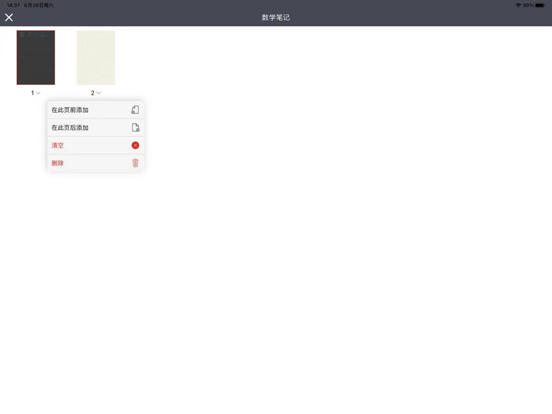
- Insert a new page at any position, drag to edit the position of each page.
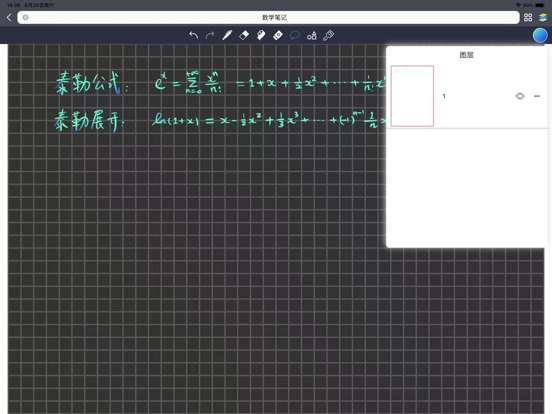
- Layers, insert new layers, drag and drop to edit layer position, delete and merge layers downwards.
- Multiple images can be inserted (images support cross-page, clicking on an image allows you to edit the image by moving zooming rotating it, or lassoing it).
- Support long-press excerpt PDF (support copy, translation, line highlighting, block highlighting, strikethrough, underline, wavy line), can be deleted and edited again, support gradient colours.
- Support PDF boundary extension
- Support PDF multi-level catalogue and bookmarks
- Unlimited Undo, Redo
- Support Multi-open, Split Screen
- Support iCloud synchronization to all devices
- Export PDF files for sharing
- Vertical and horizontal page turning support
App information from Apple App Store. Noting Pro - 专业手写笔记,支持图层和渐变色 and related trademarks belong to 裕坤 张.