
iPhone Screenshots





Description
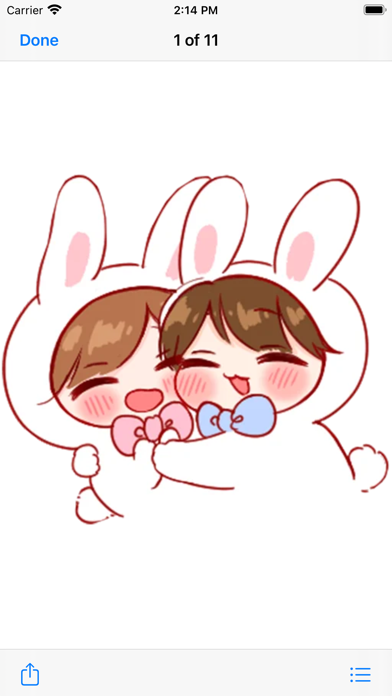
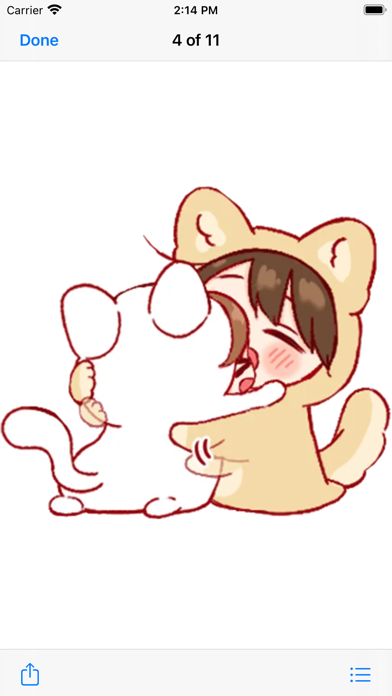
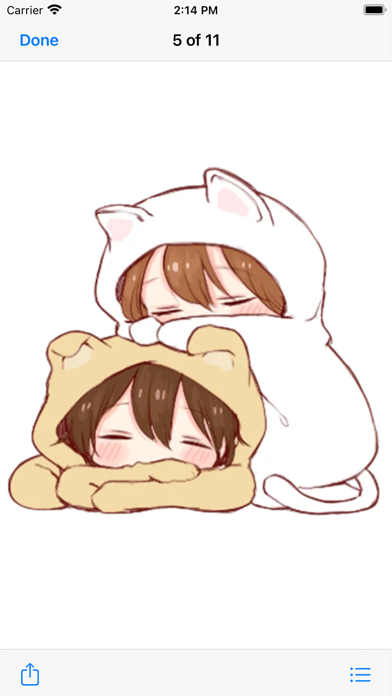
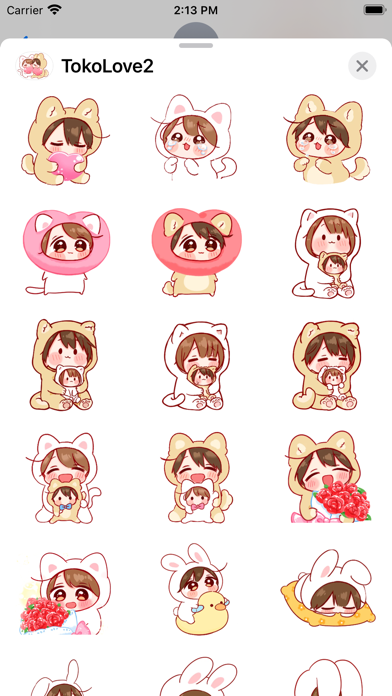
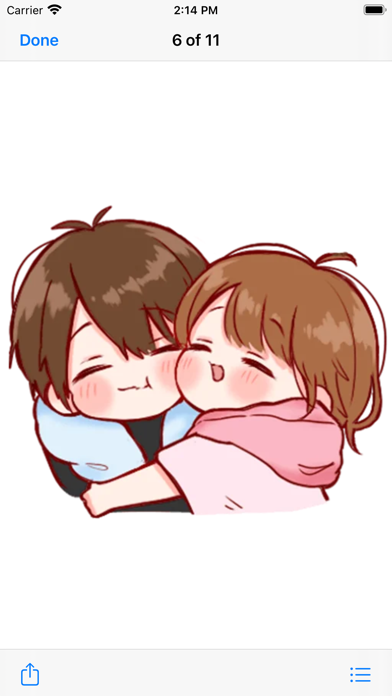
This is Cute Toko Love Stickers Pack # 2 with 99 new amazing stickers.
This pack sticker will Enlighten your conversations and take it to the next level !
You can send these stickers as individual messages or drag and dropped onto existing iMessages. CUSTOMISE your photos with stickers in chat.
Feedback: [email protected]
How to Use and Install:
-To access iMessage apps, compose a new iMessage to a friend.
-Tap the App Store icon alongside the compose field.
-Tap the lower left corner along with camera to open the app drawer.
- Select your's Stickers app .
- Just with a single tap send stickers.
How to remove sticker packs from iMessage:
1. Open the iMessages app on your iPhone.
2. Scroll right on the list of apps above the keyboard till you see the More … button.
3. Scroll down and find the sticker pack you want to remove.
4. Delete App: swipe left on the sticker pack and Delete it
5. Tap the Edit button on the top-left.
6. Now you can reorder the sticker packs
and also hide the sticker pack by switch button