
iPhone Screenshots



Description
Amherst College Safety is designed to provide students, faculty, staff and visitors with important safety resources.
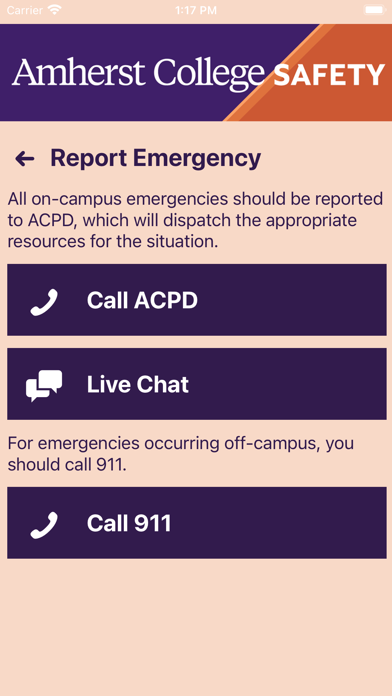
- Report Emergency: Contact ACPD for an emergency occurring on-campus by placing a phone call or chatting/texting with a dispatcher.
- Panic Button: Silently summon emergency resources to your location without having to place a phone call. Always follow up with a phone call to ACPD as soon as it is safe to do so.
- Friend Walk: Allow a friend to track your progress walking across campus and to alert emergency resources if you stop or stray from your intended route without explanation.
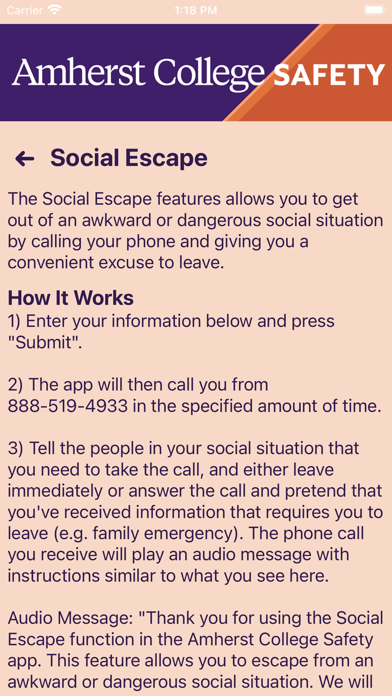
- Social Escape: Schedule a phone call to interrupt a potentially awkward or dangerous situation, giving you an opportunity to leave without suspicion.
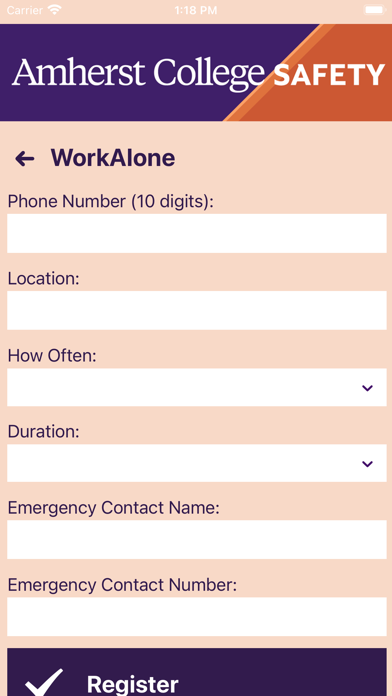
- WorkAlone: Schedule regular check-ins for times that you are working alone on campus. If you miss a check-in, a notification will be made to your designated emergency contact.
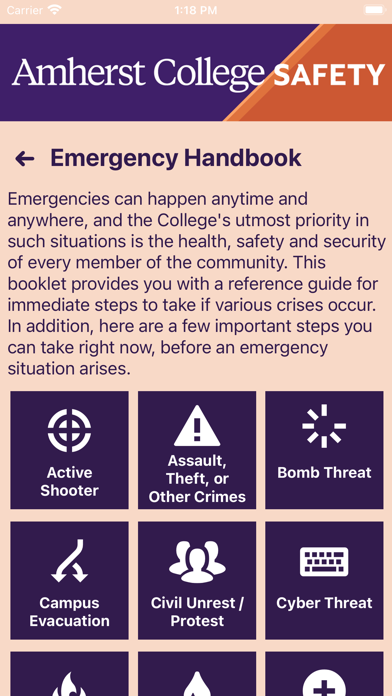
- Emergency Handbook: Learn how to respond to a variety of emergency situations.
- AC Alerts: Receive emergency alerts sent to the campus community.
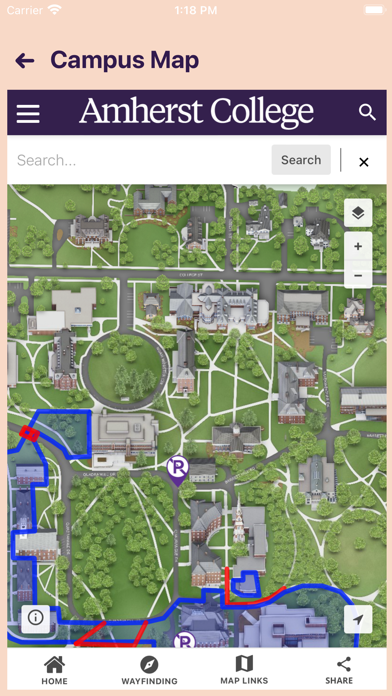
- Campus Map: Navigate the Amherst College campus.
This app is not intended to replace calling 413-542-2111 (on-campus) or 911 (off-campus) to request emergency assistance.