
iPhone Screenshots


Description
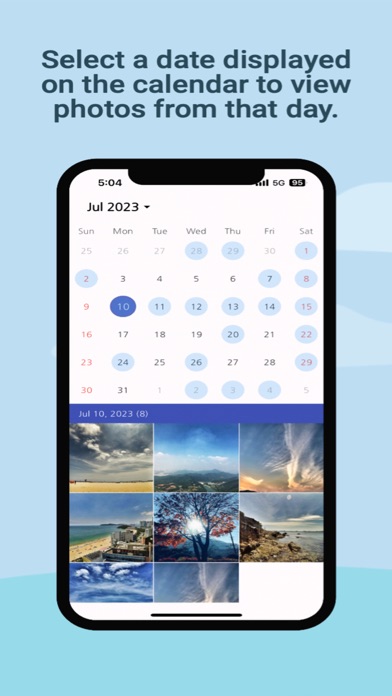
- Select a date displayed on the calendar to view photos from that day.
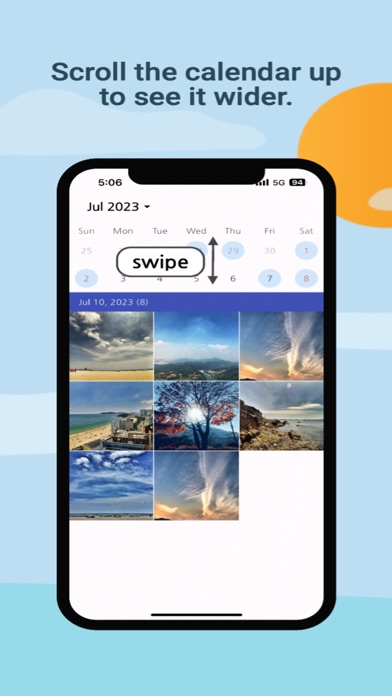
- Scroll the calendar up to see it wider.
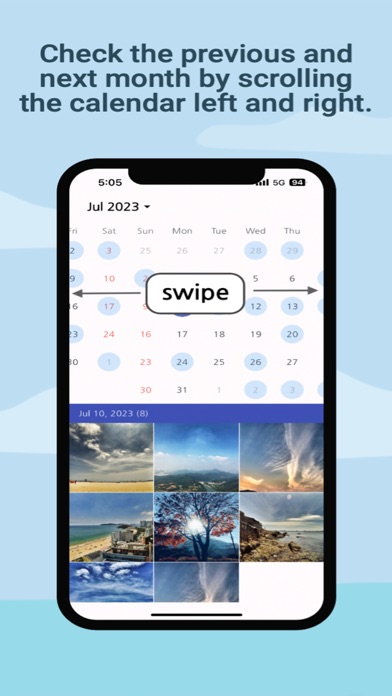
- You can check the previous and next month by scrolling the calendar left and right.
- You can view photos by moving to the desired date.
- Choose a photo and enjoy the photo of the day.
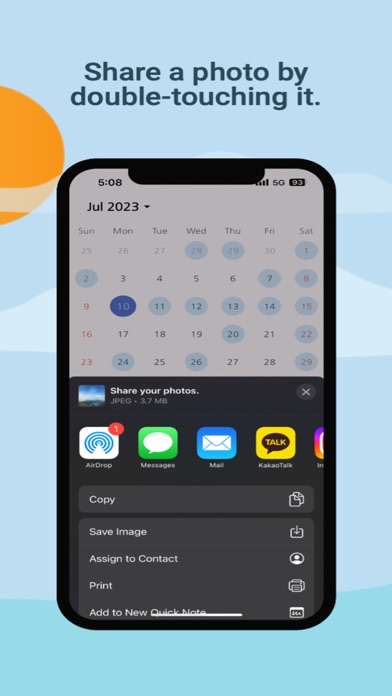
- You can share a photo by double-touching it.
- Press and hold a photo to delete that photo.