
iPhone Screenshots


Description
Use aesthetic computer to make paintings and play games or talk to characters.
Try entering...
- `line` to paint a line and tap the top left corner to return to the `prompt`.
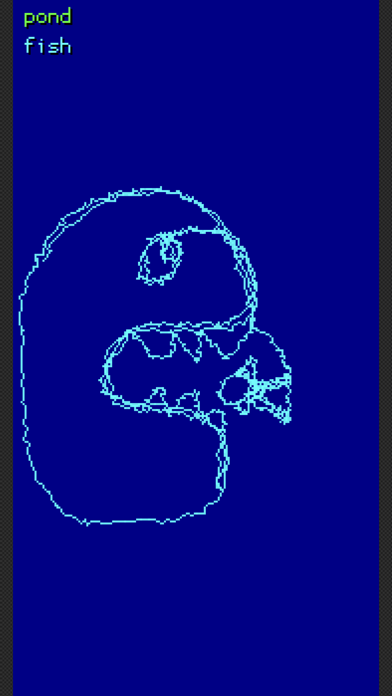
- `shape` to paint freehand shapes or `rect blue` for "blue" rectangles.
- `dl` to save your painting.
- `liar` to talk to an interesting character.
- `bleep` for a musical keyboard.
- `baktok` to learn to talk backward.
- `camera` to take pictures.
- `help` to learn more commands.