
iPhone Screenshots
Description
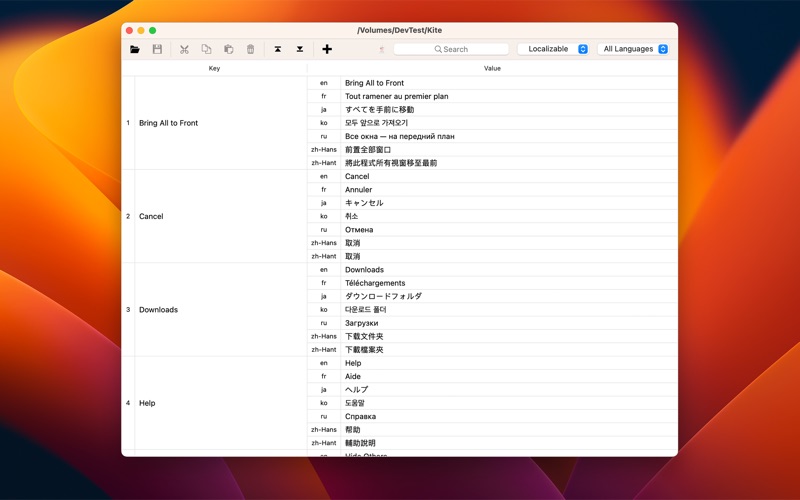
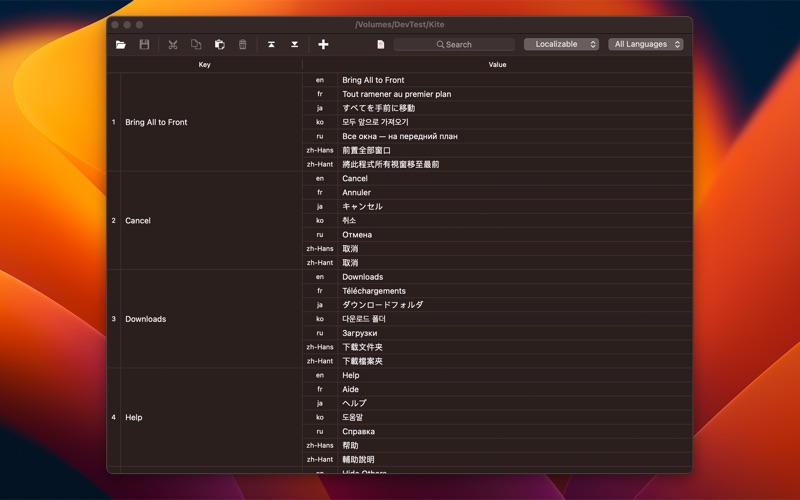
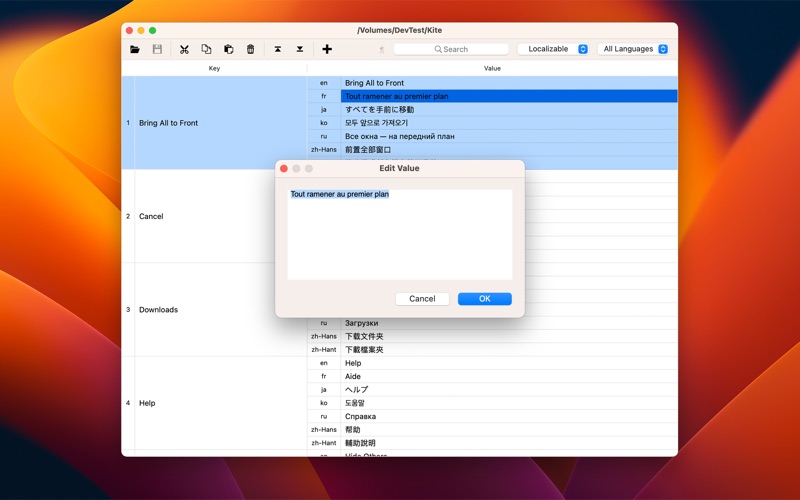
Localization Assistant is a software development tool that helps you edit the Strings Files used for localization of your Xcode projects.
Usage Description:
1. There are 3 ways to open the Xcode project folder:
(1) Menu bar -> File -> Open
(2) Toolbar -> Open
(3) Drag & Drop a folder from Finder
2. There are 5 ways to edit keys/values:
(1) Double-Click the key/value
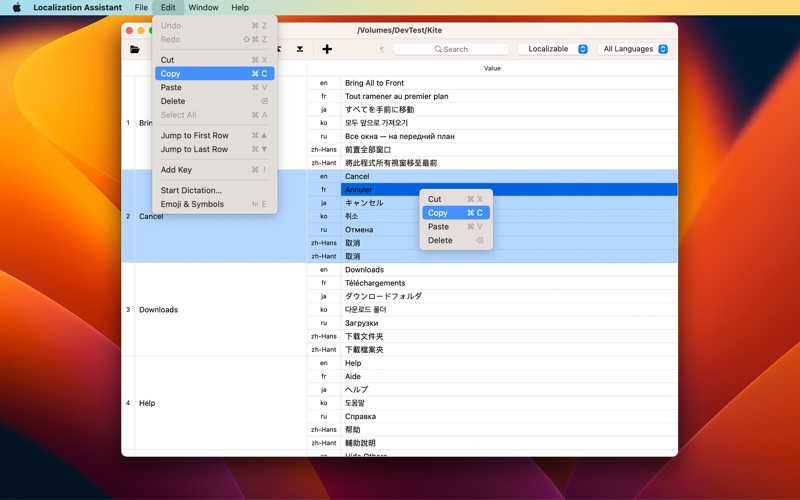
(2) Shortcuts: Command-X, Command-C, Command-V
(3) Menu bar -> Edit -> Cut, Copy, Paste, Delete
(4) Shortcut menu -> Edit -> Cut, Copy, Paste, Delete
(5) Drag & Drop to the key/value
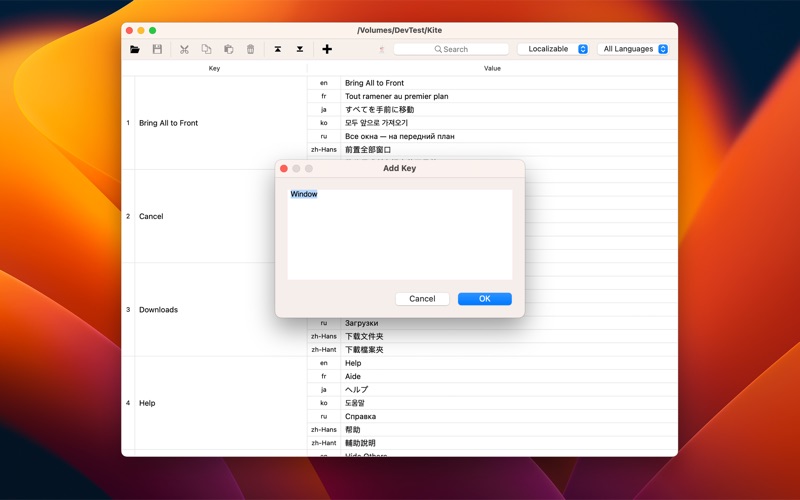
3. There are 4 ways to add keys:
(1) Menu bar -> Edit -> Add Key
(2) Toolbar -> Add Key
(3) Mouse click on the blank area of Toolbar -> Paste
(4) Drag & Drop to the blank area of Toolbar
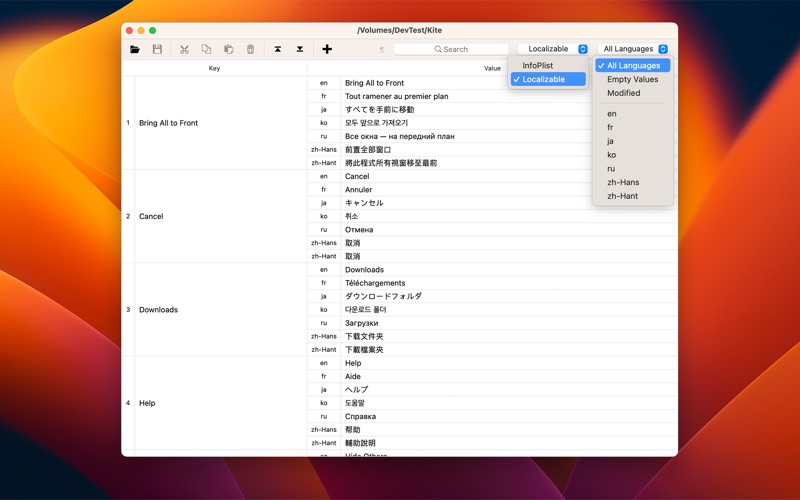
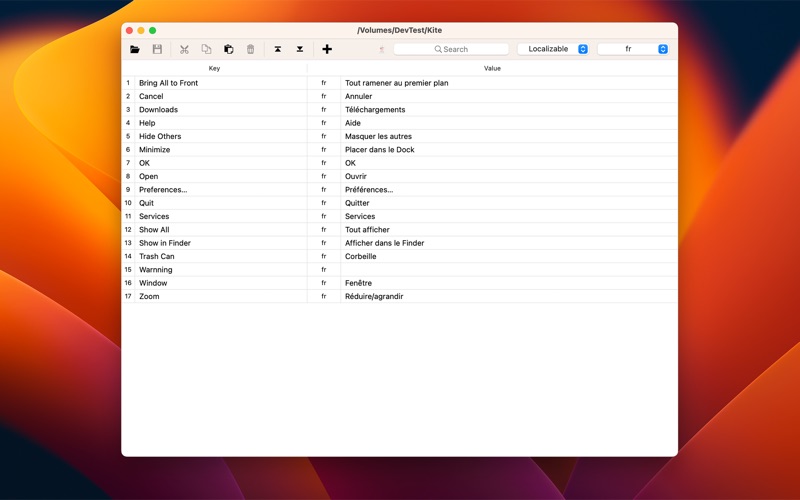
4. If your Xcode project contains multiple sets of Strings Files, you can use pop-up lists to select them, e.g. InfoPlist, Localizable.
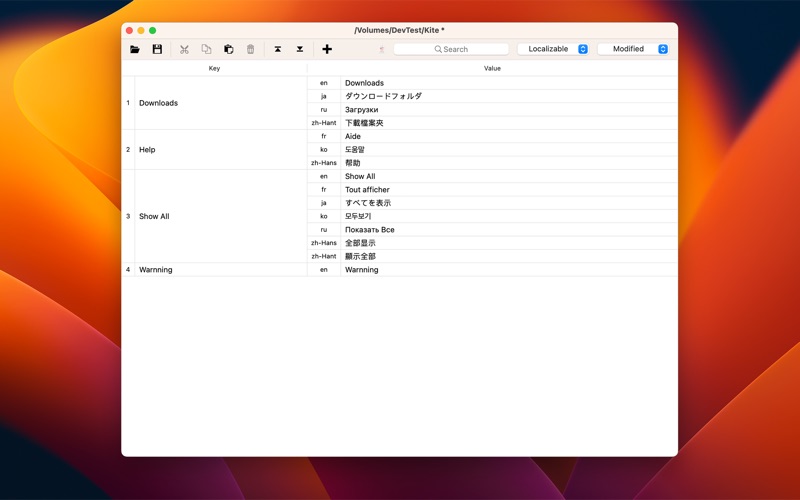
5. With pop-up lists, there are 4 ways to filter content:
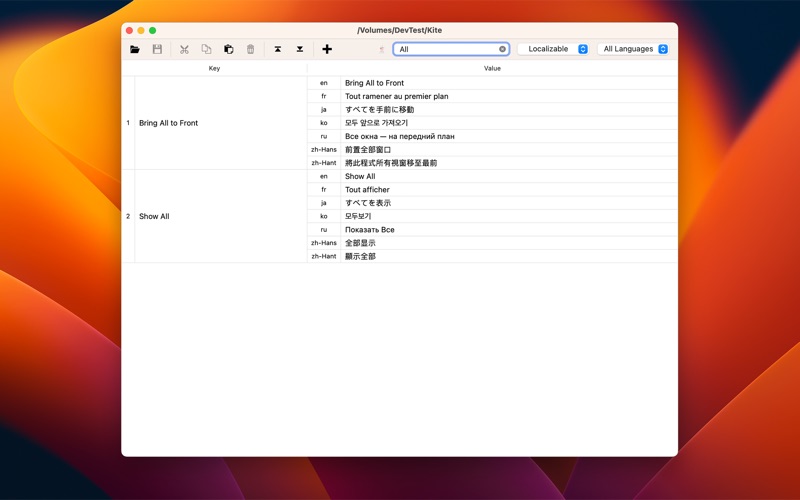
(1) All languages
(2) Single language
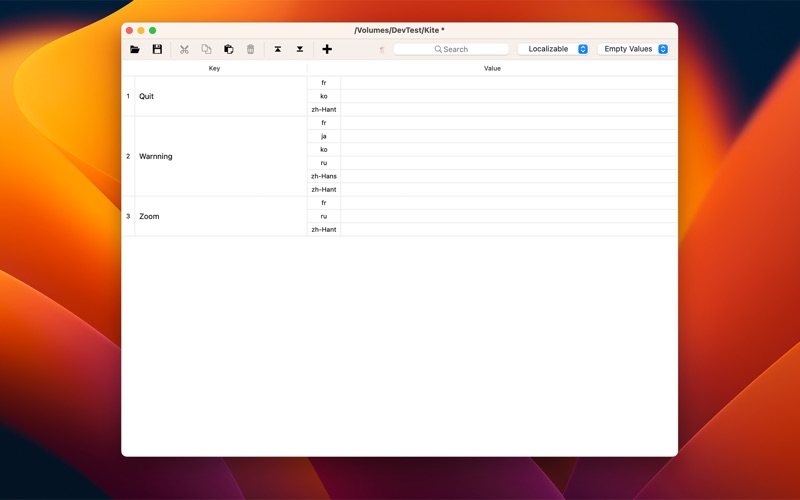
(3) Empty Values: help you check the missing value
(4) Modified: Help you check the modified key/value before saving
6. Using the search box, you can also filter for keys/values that contain a specified string.
If you have any questions or suggestions, please contact us at:
[email protected]