
What's for Din: Meal Planner
Plan meals, save recipes, drag to calendar
Corey Diamant
iPhone Screenshots
Description
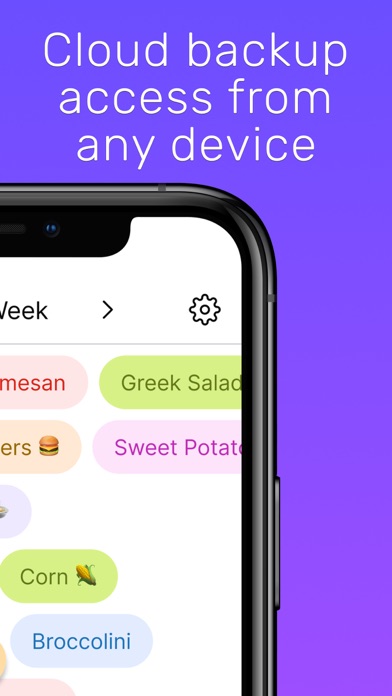
Plan weekly meals by dragging recipes onto a calendar. Save and organize favorite recipes into custom categories. Generate AI-created recipes for inspiration. Access free core -planning features with an option to upgrade for additional tools.
Finally, a meal planner that’s actually simple… and actually FREE. Plan your week, save your recipes, and drag & drop meals onto your calendar in seconds.
- Totally FREE for core meal-planning
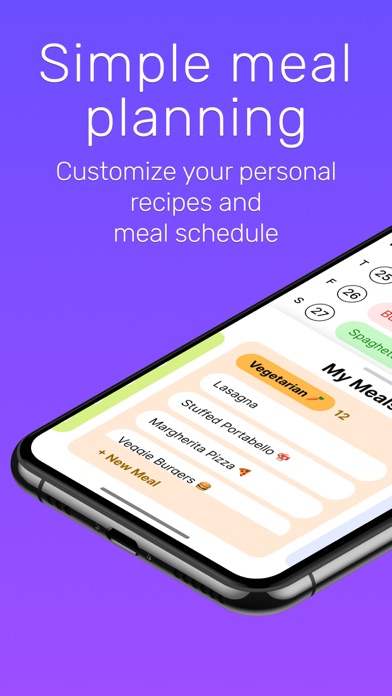
- Save and organize your favorite recipes
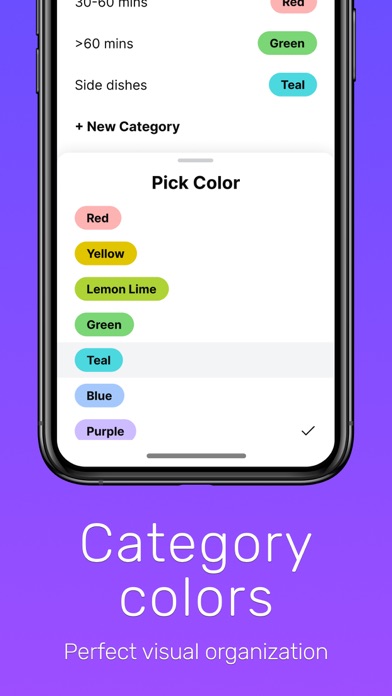
- Create custom categories for easy sorting
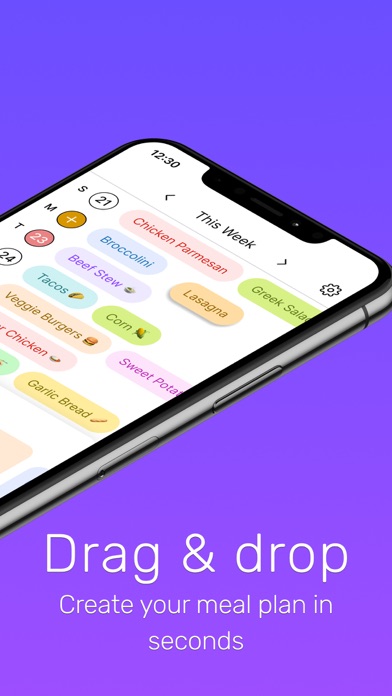
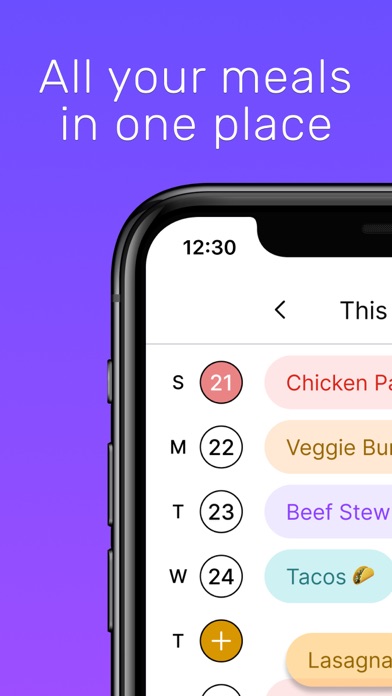
- Drag & drop meals onto your weekly calendar
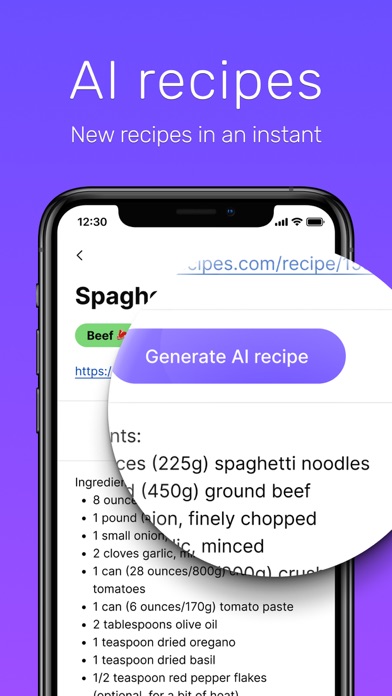
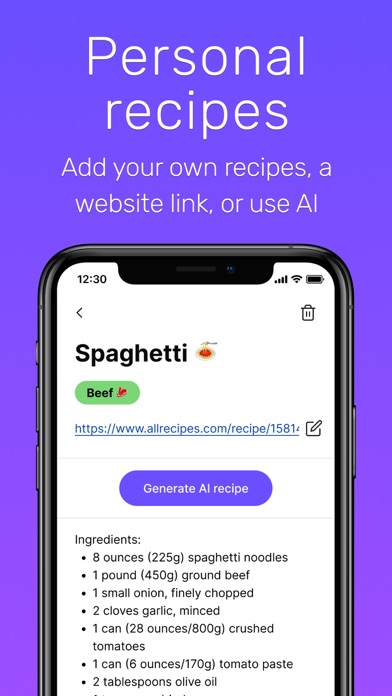
- Generate AI recipes whenever you need inspiration
- Premium upgrade available for extra powers
Stop asking “what’s for din?” and start knowing it. Save your personal recipes, keep them organized, and build your weekly meal plan faster than you can say “takeout again?” Whether you’re a seasoned home cook or just trying to avoid another last-minute grocery store run, What’s for Din makes planning painless.
AI RECIPES
- Whip up a brand-new, gourmet recipe instantly
- Turn your own recipe into fun new variations
RECIPE LIST
- Store unlimited meals, ideas, or recipes you want to try
- Save online links for easy access to recipes from your favorite chefs
- Add personal notes or full instructions
CATEGORIES
- Organize your meals however you like
- Color-coded for quick visual browsing
- Random meal picker for when you’re indecisive
DRAG & DROP CALENDAR
- See your whole week at a glance
- Drag a recipe, drop it on a day... done
- Easily reshuffle when plans change (because they always do)
- Set the calendar to start on any day of the week
Terms of Use: https://www.apple.com/legal/internet-services/itunes/dev/stdeula/