
Global Entry Mobile
Report arrival at supported airports
US Customs and Border Protection
iPhone Screenshots
Description
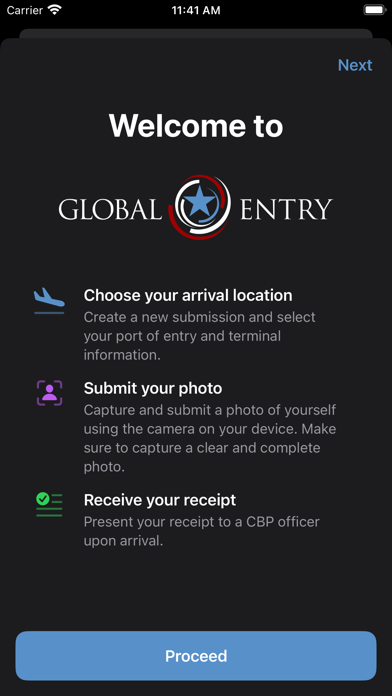
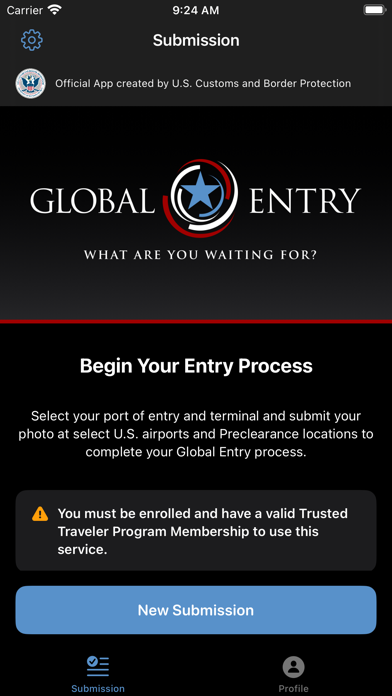
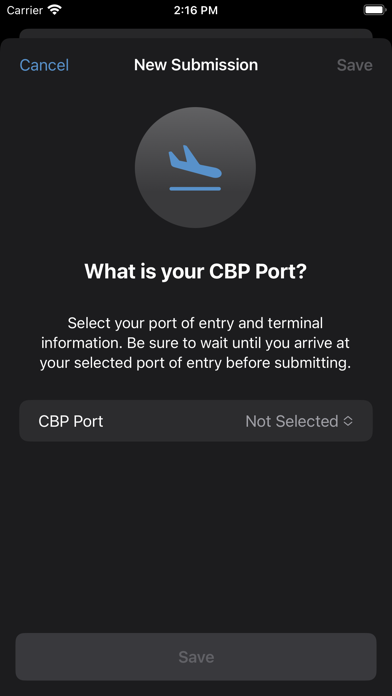
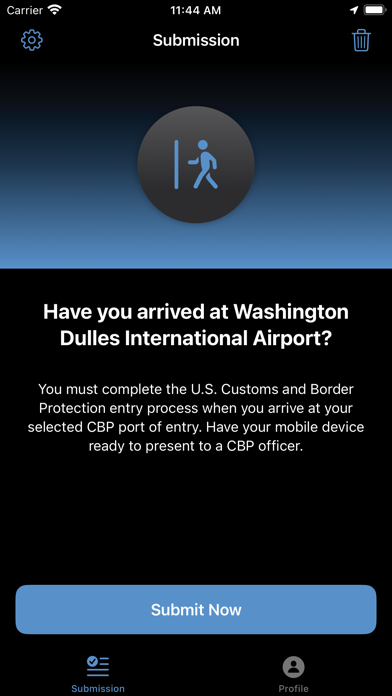
Report arrival at supported airports by submitting a photo to CBP for verification. Select arrival airport from a list and confirm location within the terminal. Complete submission before exiting the terminal.
The Global Entry mobile application enables active Global Entry members to report their arrival at any supported airport in the place of a stationary Global Entry portal. You must be an active member in the Global Entry program to use this app.
Simply choose your arrival airport from list of supported airports and submit a photo of yourself to CBP for verification. Be sure to complete this process while you are physically located within your arrival terminal. Once you’ve successfully submitted, you will receive a receipt of your submission that you must present to a Global Entry officer upon arrival. Be prepared to offer further travel documentation upon request. If you are unable to obtain a receipt using the mobile app, you can proceed to an existing Global Entry Portal and proceed with the normal process
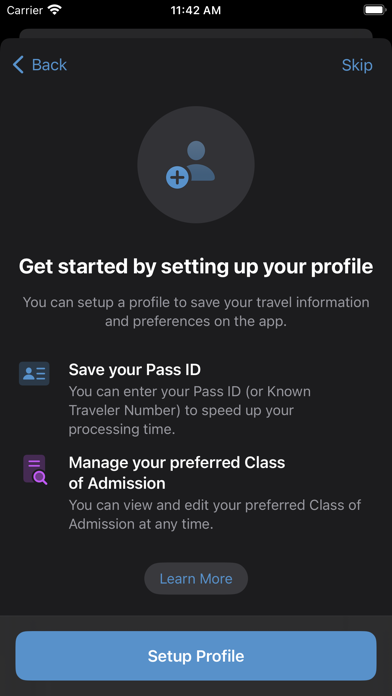
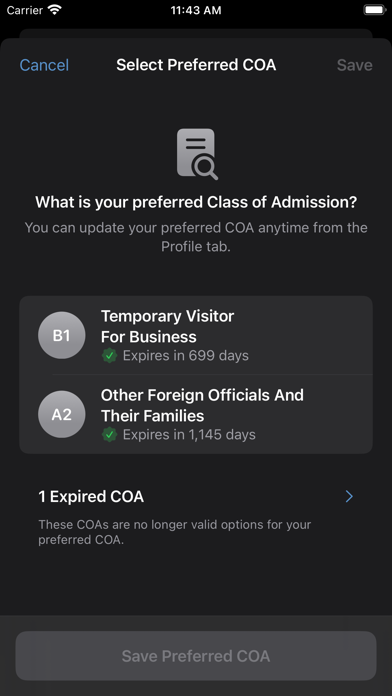
The Global Entry mobile application also allows existing Global Entry members to store their CBP Pass ID and (if applicable) select their preferred Class of Admission that will be used by all Global Entry services.
Note: If you are not enrolled in the Global Entry program, you are not eligible to use this mobile application. This app does not enable enrollment for the Global Entry program. You must either proceed with the normal entry process or use the free CBP Mobile Passport Control app.