
iPhone Screenshots

Description
Main functions of the APP:
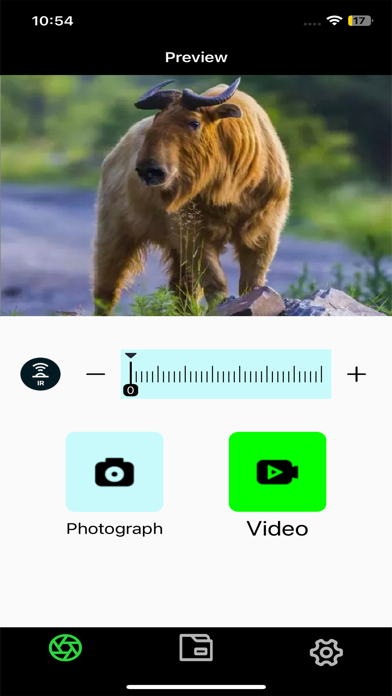
Turn on the WIFI of the night vision device. After the mobile phone is connected to the night vision device, open the NVTLSCP APP to perform wireless remote operation;
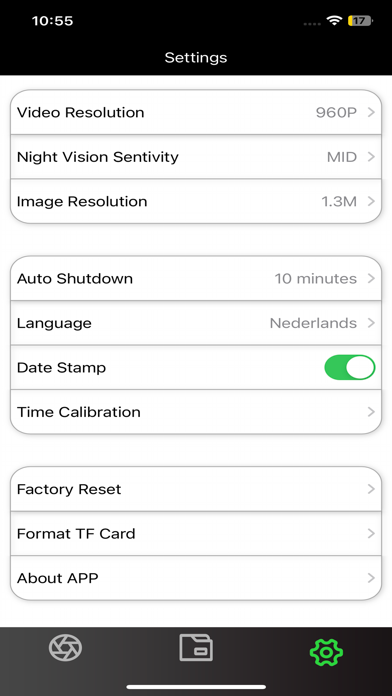
• Set the menu parameters in the night vision device remotely;
• The night vision device can be remotely controlled to take photos and video;
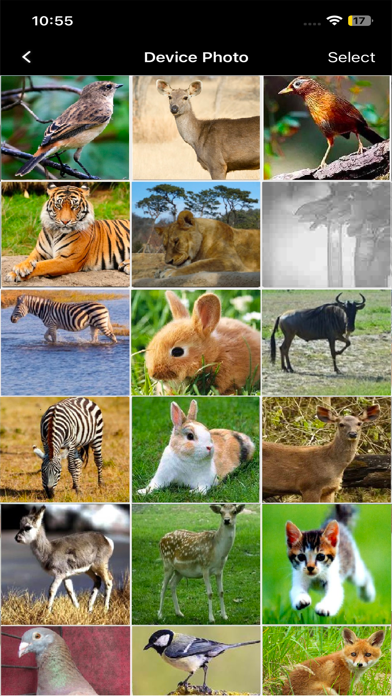
• You can directly view all photos and video files taken in the TF card of the night vision device;
• Photos or video files can be viewed, downloaded and deleted;