
iPhone Screenshots


Description
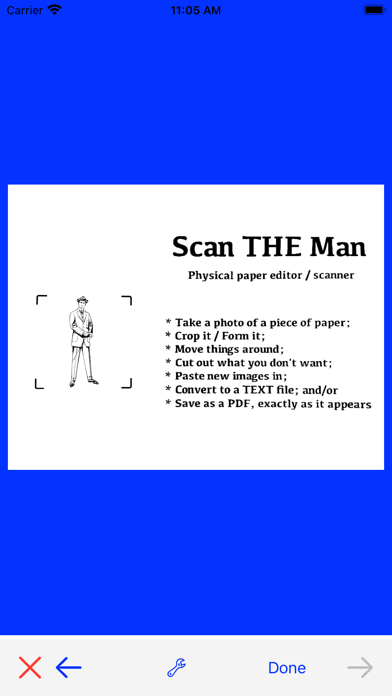
Edit paper documents.
Simply.
Steps to success:
1. Take a picture of a paper document.
2. Crop it & form it.
3. Select words and/or images from the document.
4. Move them. Cut them. Copy them.
5. Paste new images into the document, if desired.
6. Covert to a TEXT file; and/or
7. Save as a PDF file; just as it appears on screen.
See? Easy.