iPhone Screenshots

Description
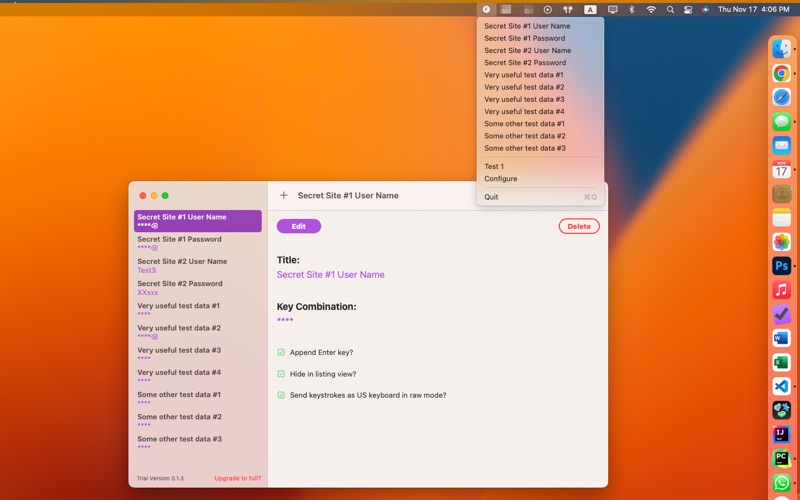
What the Fake sends repetitive keystrokes automatically. All the keystrokes are managed in the What the Fake app. A Menu Extra item will show up at the top right corner of macOS. You can send the keystrokes with the dropdown menu easily.
The app will need ask for "Accessibility" permission at the "Privacy & Security" at the System Settings.
There is a special mode "Send keystrokes as US keyboard in raw mode", which will let you to send keystrokes to the iOS simulator.