
First Century Bank
Log in, view, and manage accounts
First Century Bank
iPhone Screenshots
Description
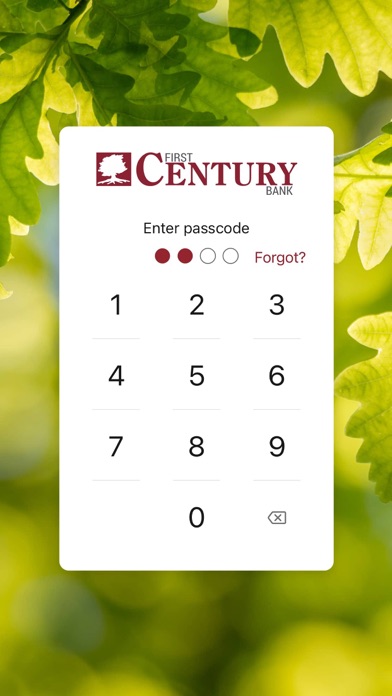
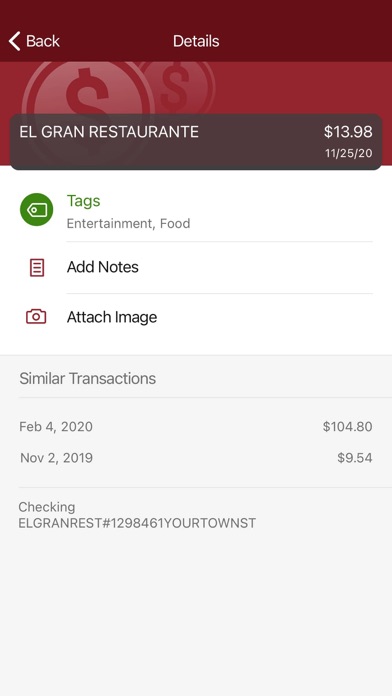
Log in securely using a 4-digit passcode, fingerprint, or facial recognition. Organize transactions with tags, notes, and receipt photos. Set alerts for balance thresholds and manage account activities remotely.
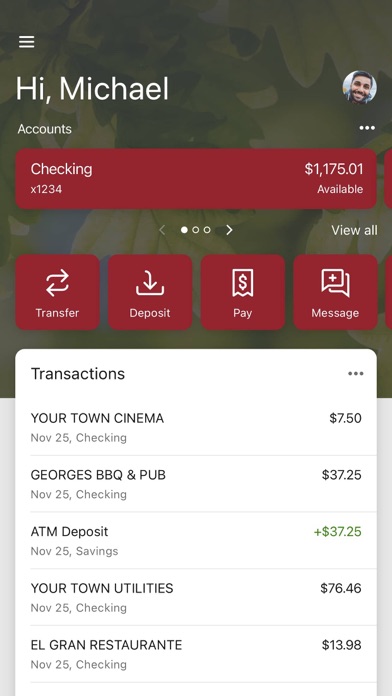
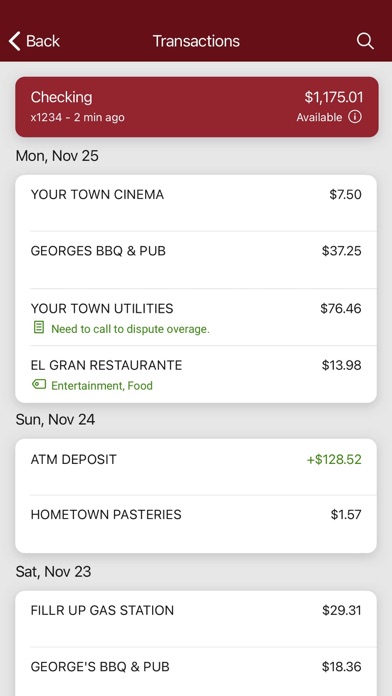
Our First Century Bank app makes it easy to manage all your accounts from the palm of your hand. It’s simple, and secure, and makes life easier by giving you the tools you need to manage your finances.
With the First Century Bank app, you can:
- Log in securely with a 4-digit passcode, fingerprint, or facial recognition on supported devices.
- Organized your transactions with tags, notes, and photos of receipts and checks.
- Set up alerts so you know when your balance drops below a certain amount.
- Make payments quickly, whether you’re paying a company or an individual.
- Transfer money between your accounts.
- Deposit checks in a snap by taking a picture of the front and back.
- View your monthly statements.
- Find First Century branches and ATMs near you.
Mobile Banking, Alerts, and Mobile Deposit require a compatible device and enrollment in Online Banking. Mobile Deposit is subject to fees. Please refer to your carrier for any fees that may apply.
First Century is committed to protecting your privacy and security. You can review our privacy policy by visiting http://www.firstcenturybank.com.
First Century Bank. All Rights Reserved.
Member FDIC. Equal Housing Lender.